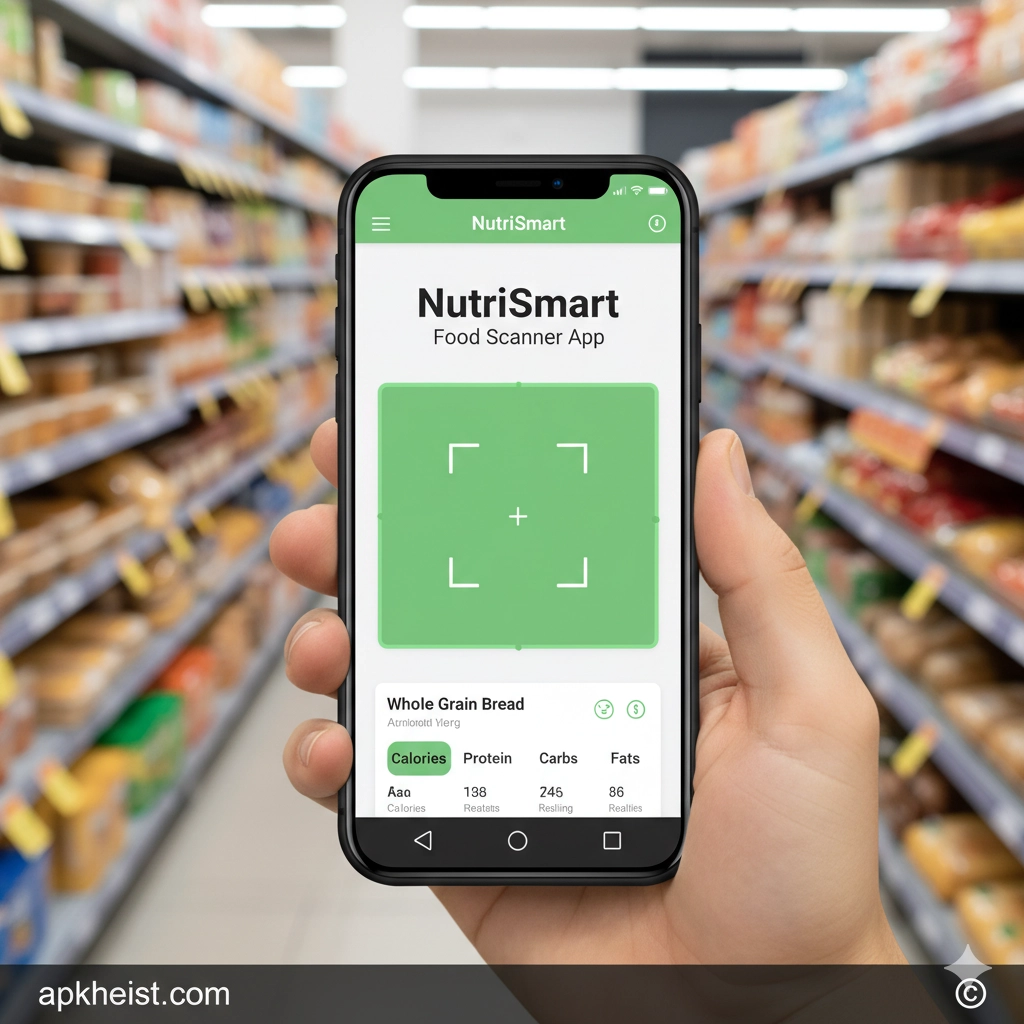
In today’s fast-paced world, understanding what you eat is no longer optional—it’s essential. NutriSmart: Food Scanner App bridges the gap between convenience and nutritional awareness by using advanced scanning technology and intelligent food databases to provide transparent, data-driven dietary insights. Whether you are tracking macros, managing weight, avoiding allergens, or optimizing athletic performance, this app empowers you to make evidence-based decisions at the point of purchase. Instead of guessing or manually entering long ingredient lists, users gain structured nutritional intelligence in seconds, transforming everyday grocery shopping into a proactive health strategy.
Table of Contents
1. How NutriSmart: Food Scanner App Works – The scanning technology and nutritional database explained.
2. Core Features and Functional Capabilities – A breakdown of its most powerful tools.
3. Benefits for Weight Management and Fitness – Practical applications for health goals.
4. Ingredient Transparency and Allergen Detection – Making safer food choices effortlessly.
5. Comparing NutriSmart with Other Food Apps – Competitive positioning and value analysis.
1. How NutriSmart: Food Scanner App Works
The operational architecture of NutriSmart: Food Scanner App is centered around barcode recognition and cloud-based nutritional databases. When a user scans a packaged product, the system cross-references the barcode with an extensive repository of food items. Within seconds, the app displays caloric values, macronutrient distribution (protein, carbohydrates, fats), micronutrient content, and ingredient composition.
Beyond simple calorie counting, the application applies algorithmic scoring models that evaluate food quality based on sugar density, sodium concentration, processing level, and additive presence. This layered analysis allows users to interpret not just quantity, but nutritional quality. The seamless integration between device camera hardware and structured food databases ensures rapid response times and reliable output accuracy.
2. Core Features and Functional Capabilities
At its foundation, NutriSmart: Food Scanner App provides barcode scanning, macro tracking, and daily nutritional summaries. However, its advanced feature set extends further. Users can set personalized macro targets aligned with specific objectives such as fat loss, muscle gain, or metabolic maintenance.
The dashboard aggregates consumption data into structured visualizations, enabling macro compliance tracking over weekly and monthly intervals. Intelligent alerts notify users when sugar or sodium thresholds are exceeded. Additionally, food comparison tools allow side-by-side evaluation of similar products, assisting consumers in selecting nutritionally superior alternatives during shopping trips.

3. Benefits for Weight Management and Fitness
For individuals pursuing body recomposition or athletic performance goals, precision is critical. NutriSmart: Food Scanner App supports caloric deficit or surplus strategies through real-time macro accountability. Instead of retrospective logging at the end of the day, users gain immediate nutritional feedback at the moment of food selection.
This proactive monitoring enhances dietary adherence and reduces impulsive, high-calorie purchases. Fitness enthusiasts can align intake with training cycles, ensuring adequate protein distribution and carbohydrate timing. Over time, the accumulated data enables trend analysis, identifying behavioral patterns that influence progress.
4. Ingredient Transparency and Allergen Detection
Modern food labels often contain complex ingredient lists with additives, preservatives, and artificial enhancers. NutriSmart: Food Scanner App decodes these components into understandable classifications, highlighting potential allergens and ultra-processed ingredients.
For individuals with dietary sensitivities—such as gluten intolerance, lactose intolerance, or nut allergies—this feature significantly reduces risk exposure. The app flags high-risk ingredients and provides contextual explanations, allowing informed decision-making without requiring extensive nutritional literacy.
5. Comparing NutriSmart with Other Food Apps
The digital health ecosystem includes numerous calorie tracking tools. However, NutriSmart: Food Scanner App differentiates itself through its emphasis on scanning accuracy and ingredient-level intelligence rather than solely focusing on manual food logging.
While some applications prioritize recipe databases or social sharing features, NutriSmart centers on analytical precision and real-time purchasing decisions. This positioning makes it particularly effective for grocery shoppers who demand immediate, evidence-based evaluations before adding items to their carts.
For readers exploring other smart mobile solutions, you may also find value in AppStart App: The Smart Launchpad for Mobile App Management, National Water App: Smart Water Utility Management, Offline Surveys App: The Complete Guide, and UKG Pro App: Workforce Management Solution, which demonstrate how intelligent mobile platforms are reshaping daily productivity and decision-making.
Frequently Asked Questions About NutriSmart: Food Scanner App
1. Is NutriSmart: Food Scanner App accurate for calorie tracking?
Yes. The app relies on verified food databases and barcode-specific product entries, minimizing manual entry errors. Accuracy depends on manufacturer data consistency, but overall reliability is high for packaged foods.
2. Can NutriSmart help with macro tracking for bodybuilding?
Absolutely. Users can configure custom macro targets and monitor daily protein, carbohydrate, and fat distribution to support hypertrophy or fat reduction protocols.
3. Does the app work for people with food allergies?
Yes. It identifies common allergens and flags ingredients that may pose sensitivity risks, helping users avoid problematic foods during shopping.
4. Is NutriSmart suitable for beginners?
The interface is designed for both beginners and advanced users. While the analytics are detailed, the dashboard presents information in a structured, digestible format.
5. Does NutriSmart require an internet connection?
Most barcode lookups rely on cloud database access, so an internet connection enhances functionality. Some cached data may be accessible offline, but optimal performance requires connectivity.





