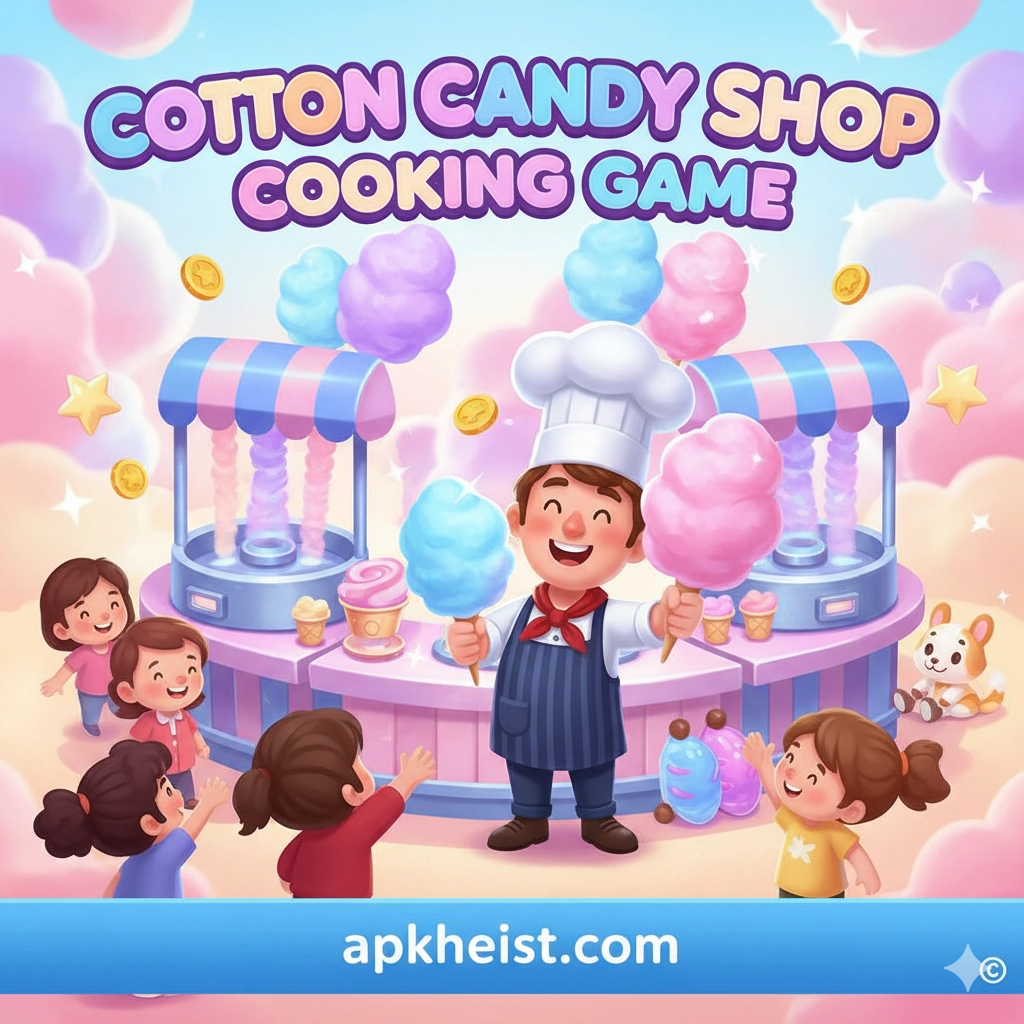
Long intro: In Cotton Candy Shop Cooking Game you start with a simple cart and a handful of flavors. Through fast-paced mini-games, recipe upgrades, and customer management mechanics, you will craft a menu of whimsical cotton-candy creations, hire helpers, decorate your shop, and optimize workflows to handle rush hours and special events. This guide walks through core mechanics, progression strategies, monetization considerations, and common pitfalls — whether you’re a new player aiming to finish the first chapter or a veteran optimizing for high scores.
Contents / Quick links:
1. Getting Started: Controls & Basics — Learn the essential controls and first steps to set up your cotton candy cart.
2. Flavor System & Recipes — How flavors combine, unlock conditions, and recipe presets you should master early.
3. Shop Upgrades & Layout — Upgrade paths, equipment prioritization, and layout tips to increase throughput.
4. Customer Types & Behavior — Recognize customer patterns and tailor service to maximize tips and satisfaction.
5. Events & Limited-Time Challenges — Strategies for seasonal events and reward-optimization during limited runs.
6. Monetization & Resource Economy — In-game currencies, sensible spending, and the tradeoff between cosmetic and functional purchases.
7. Advanced Tips & Endgame Goals — Scaling to multiple shops, automation approaches, and competitive leaderboards.
How Does the Motion: Tasks & AI Schedu
1. Getting Started: Controls & Basics
When you first open the Cotton Candy Shop Cooking Game, familiarize yourself with the touch or mouse controls for spinning sugar, adding flavor syrups, and packaging orders. The core loop is simple: receive an order, prepare the base cotton candy, apply one or more flavor layers, add requested toppings, and deliver before the patience bar expires. Early gameplay focuses on timing — spinning the base for the correct duration to reach the requested size, then tapping ingredient stations in the right sequence. Mastering the basic timing window in the tutorial levels pays dividends as orders become more complex.
Discover the Power of GP Chat AI
2. Flavor System & Recipes
The flavor system blends primary syrups and secondary infusions to produce distinct tastes and visual effects. Some recipes require exact ratios (e.g., 2 taps strawberry + 1 tap vanilla), while others allow flexible substitutions. Unlocking new syrups comes from level progression and event rewards. Pay attention to flavor affinities: certain toppings (like sprinkles or edible glitter) increase satisfaction more with complementary syrups. Experimentation is encouraged — small unlisted combos can yield surprise boosts to order score and unlock secret recipe badges.
3. Shop Upgrades & Layout
Upgrades fall into three categories: equipment (faster spinners, automated dispensers), cosmetic (stall skins, signage), and staff (assistants who pre-prepare ingredients). Prioritize equipment upgrades that directly reduce cycle time before spending on cosmetics — faster spinner speed reduces the core bottleneck. Layout affects movement time for assistants and impacts multi-order handling; place high-use stations (spinner, syrup dispensers, packaging) close together. Focus on a ‘work triangle’ where the three most-used stations minimize travel distance for both player and NPC helpers.
Setmore Appointment Scheduling App
4. Customer Types & Behavior
Customers arrive with different patience and tipping profiles. Casual customers have low patience but predictable orders; families and event attendees may place bulk or combo orders and tip higher if satisfied. Watch for visual cues (speech bubbles, icons) that indicate special requests or allergy flags — failing these hurts satisfaction and can reduce rewards. Some customers prefer novelty presentations (rainbow swirls, shaped cones) and will reward extra coins or reputation when served correctly. Segment your service flow to handle high-volume customers separately from high-value, slow-to-serve customers.

5. Events & Limited-Time Challenges
Events introduce exclusive syrups, decorations, and shop skins. They often require completing a series of event-specific orders or milestone tasks. During events, prioritize event-task progression because rewards are usually time-limited and offer permanent upgrades or rare cosmetics. Many events also present multipliers for specific recipe types; align your menu to exploit these multipliers to maximize event currency earnings. Plan your event runs around the highest reward windows and consider brief, targeted spending to push through the hardest tiers.
LiveChat — The Customer Service App
6. Monetization & Resource Economy
The in-game economy usually uses a dual-currency system: common coins earned via orders and premium gems bought or earned slowly. Spend coins on incremental improvements; reserve gems for critical unlocks or time-savers that meaningfully reduce grind. Watch for value bundles that include permanent equipment upgrades rather than single-use boosters. If you prefer not to spend real money, leverage event rewards, daily login streaks, and optimized play sessions to reach long-term goals. Value purchases that reduce repetitive playtime over ephemeral cosmetic items if your aim is efficiency.
Qwen Chat App: The Practical Guide to Smart
7. Advanced Tips & Endgame Goals
At higher levels you’ll manage multiple shops or franchise locations. Automation (assistants and conveyor upgrades) becomes critical: design each shop for a specific customer archetype to avoid over-diversifying your menu. Leaderboards and weekly tournaments reward shop specialization — a highly optimized rainbow-only shop can outperform a generalist. For endgame satisfaction, aim to collect all recipe badges, complete event legacy tasks, and fully upgrade at least one flagship location. Scale horizontally (multiple niche shops) rather than trying to make one shop do everything.
Poe App — The Practical Guide to Gettin
FAQ 1 — How do I unlock new flavors?
New flavors unlock via level progression, event reward chests, and occasional daily challenges. Some rare syrups are gated behind milestone achievements; completing these milestones or spending event currency during special promotions will unlock them. Participate in events to collect the rarest syrups faster.
FAQ 2 — Is it better to spend gems on cosmetics or upgrades?
For long-term progress, prioritize functional upgrades (equipment, automation) over cosmetics. Cosmetics are enjoyable but do not speed progression. If you value efficiency and faster level-up cycles, choose upgrades that permanently reduce preparation times.
FAQ 3 — What’s the best strategy for high-demand rush hours?
During rush hours focus on speed and consistency: pre-prepare common base sizes, assign assistants to repetitive tasks, and simplify the menu to high-throughput recipes. Avoid complex custom orders during rush windows; they slow the entire line. Batch simple orders and reserve complex builds for off-peak periods.
FAQ 4 — How can I maximize event rewards?
Concentrate on event-specific tasks and use energy or play boosts strategically during multiplier windows. Join in-game communities or guilds if available — group challenges often yield shared rewards. Save premium currency to purchase event bundles that improve progression speed for that event.
FAQ 5 — Are there any hidden recipes?
Yes. The game occasionally includes secret recipes unlocked by unusual combinations or completing side quests. These recipes often carry novelty effects and higher tip multipliers. Experiment with combinations and read event hints closely to discover these secrets.
FAQ 6 — How important is shop decoration?
Decoration primarily affects customer satisfaction and occasional tip bonuses. While decorative upgrades are not required for core progression, certain aesthetics increase foot traffic for specific customer types. Treat decoration as a secondary optimization that supports targeted customer segments.
FAQ 7 — Can I play offline or transfer progress between devices?
Offline play is usually supported for single-session gameplay, but progress sync and cloud saves require an account or social link. To preserve progress across devices, enable cloud save or link your game to the platform account offered (Google Play, Apple ID, or proprietary cloud) and verify sync after major sessions. Always confirm cloud sync before changing devices to avoid loss of progress.
Adventure Action Role Playing Arcade Casual Strategy Sports Simulation Racing Puzzle





