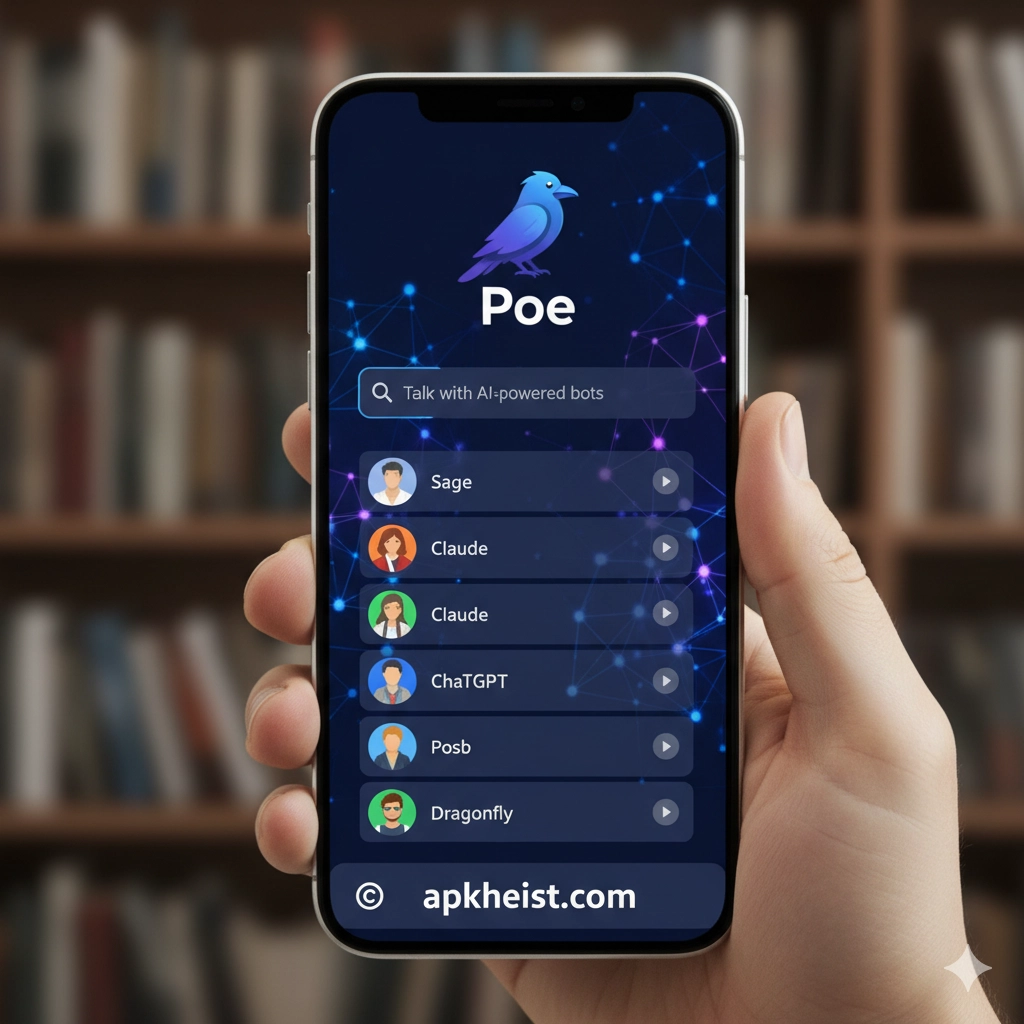
Long intro: Poe (Platform for Open Exploration) aggregates conversational AI agents and tools into a single, user-friendly interface. Whether you want fast Q&A, creative writing help, coding assistance, or model comparisons, Poe provides session history, model switching, and a lightweight workflow for both casual users and professionals. In the sections below you’ll find a clear, numbered table of contents, deep-dive chapters covering setup, features, privacy and best practices, plus a practical FAQ. Throughout the article, a few related app links are included as internal resources to explore complementary tools and reading.
3. Conversation Management & Prompts
6. Troubleshooting Common Issues
Firefox Nightly App: The Cutting-Edge
Is the Spacedesk App the Ultimate Multi
Share Cool Emoji Arts Designs App
Rhymit App — The Writer’s Fast Rhyming Companion
Soul Knight Game: The Ultimate Guide
Farlight 84 Game: The Ultimate Battle Roy
Mobile Legends Game: The Definitive Player's Blueprint
1. Getting Started with Poe
Poe’s onboarding is designed to be fast: sign up with an email or an SSO provider, select a default model, and accept basic usage terms. The interface typically shows a left-hand conversation list, a central chat pane, and a model selector. For new users, start a short test conversation to see latency and response style, then try a second model to compare tone and capability. If you’ve used other chat apps, think of Poe as a multi-model console — its value lies in rapid comparison and switching between models without leaving the app.
2. Choosing the Right Model
Not all models are equal for every task. Use these guidelines: pick a smaller, faster model for quick factual lookups or short clarifications; choose a larger, more capable model for complex tasks like long-form writing, deep technical explanations, or nuanced creative work. Poe’s UI usually labels models by purpose (e.g., “assistant,” “creative,” “code”), and some sessions allow you to pin a preferred model for the conversation. Keep cost and latency in mind — advanced models consume more compute and may introduce higher cost or slower responses. Experiment with the same prompt across models to learn the sweet spot for your workflow.
3. Conversation Management & Prompts
Effective prompt design and conversation management make Poe far more productive. Use short system-like instructions at the start (for example, “You are a concise technical editor”) to control tone and format. Break complex tasks into numbered subtasks and confirm outputs step-by-step instead of asking for everything at once. Use the app’s conversation labels, folders, or starred messages to keep frequently referenced chats accessible. If Poe supports message templates or saved prompts, create a library of recurring instructions (summaries, refactors, code reviews) to save time.
4. Integrations and Workflows
Poe often integrates with productivity tools—export options, clipboard actions, and simple API hooks for automating tasks. Typical workflows include drafting in Poe then copying to your editor, using Poe to generate commit messages, or extracting structured data for spreadsheets. For multi-screen work, consider pairing Poe with display tools like Spacedesk to keep conversation windows visible while you work in other apps. When collaborating, share conversation snapshots or exported transcripts rather than account details, and use a dedicated project conversation to centralize context.

5. Privacy, Data & Security
Understand Poe’s data retention policy before sharing sensitive information. Many AI chat platforms retain conversation logs for model training or debugging unless you opt out or use paid privacy tiers. Avoid pasting secrets (passwords, API keys, personal ID numbers) directly into conversations; instead, provide a redacted example or a structured template. For enterprise usage, request a data-processing addendum or a contract clause that specifies retention periods, deletion rights, and encryption standards. If compliance is a concern, consider on-prem or private-model deployments.
6. Troubleshooting Common Issues
Slow responses, timeouts, or hallucinations are the usual culprits. If Poe’s responses seem inaccurate, try these steps: (1) re-prompt with clarifying context; (2) ask the model to cite sources or show reasoning; (3) switch to a different model to cross-check answers. For connectivity problems, check network restrictions (enterprise firewalls can block API endpoints), and for UI glitches, clear cache or try an alternate browser such as the latest Firefox Nightly build to test rendering. If export or copy functions fail, use the app’s raw-text download option when available.
7. Tips for Power Users
Power users customize their Poe experience: create prompt templates, maintain conversation templates for recurring tasks, and use keyboard shortcuts for quick navigation. When writing or composing, instruct the model using explicit constraints: desired length, tone, and structure. For creative work, alternate between a “brainstorm” model and an “editor” model — use one for ideation and the other for polishing. If you write rhymes or creative lines, complementary tools such as Rhymit can provide focused rhyme assistance which you can then refine inside Poe. Finally, schedule regular audits of saved conversations to prune outdated context and reduce clutter.
FAQs — Poe App
Q: What is Poe best used for?
A: Poe is best for multi-model experimentation, fast Q&A, drafting, and iterative conversational workflows. It excels when you need to compare model outputs or quickly switch context without leaving a single interface.
Q: Is Poe free to use?
A: Many Poe features are available free, but advanced model access, higher request quotas, and privacy options are commonly gated behind paid tiers. Check Poe’s pricing and feature matrix to match your needs.
Q: How do I keep my data private on Poe?
A: Review Poe’s privacy policy and settings. Avoid entering sensitive credentials, use redaction where possible, and consider paid or enterprise plans that offer explicit data controls or deletion options.
Q: Can Poe integrate with other apps?
A: Yes — Poe may provide export, copy-to-clipboard, and API features. For visual workflows, you can use multi-display tools like Spacedesk or move content between Poe and other productivity apps using standard clipboard operations.
Q: Why does Poe sometimes give incorrect answers?
A: Models can hallucinate or infer incorrectly when context is missing. Improve accuracy by supplying clear, verifiable details, asking for sources, or cross-checking with another model. Break complex requests into smaller, verifiable steps.
Q: How should I structure prompts for best results?
A: Start with the role and objective, set constraints (length, format), and provide examples when possible. Example: “You are an expert editor. Rewrite the paragraph to be ≤150 words and suitable for a technical blog.”
Q: Where can I find complementary tools to pair with Poe?
A: Depending on use case, pairing Poe with focused utilities enhances productivity: use writing aides like Rhymit for rhymes, creative asset apps like Share Cool Emoji Arts for visuals, or reference guides for gaming and entertainment when producing related content. Explore the curated links above for ideas.





