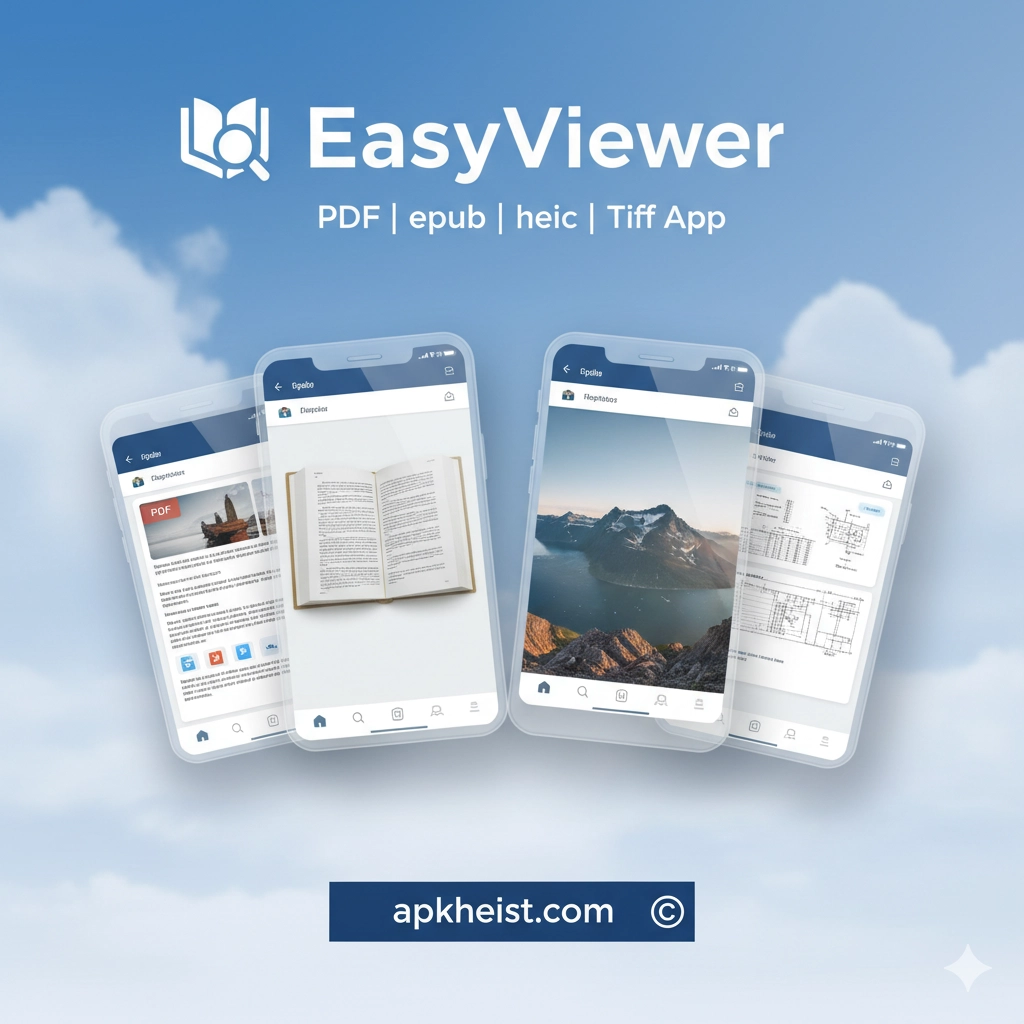
Detailed Introduction: EasyViewer combines powerful functionality with an intuitive interface. Whether you are reading eBooks, reviewing PDFs, or viewing high-resolution images in HEIC or TIFF formats, EasyViewer offers smooth navigation, fast loading times, and a suite of tools that enhance your experience. From bookmarking and annotation to night mode and zoom options, it meets all your document and image viewing needs. Its cross-platform compatibility ensures you can access your content anytime, anywhere.
FunSwap - AI Face Swap App: The Ultim
Booksy for Customers App: The Smart
StyleSeat: Book Hair & Beauty App – The
Contents:
1. PDF Viewing & Annotation – Learn how EasyViewer makes reading PDFs smooth and interactive.
2. EPUB Reader for eBooks – Explore the versatile EPUB reader with customizable layouts.
3. HEIC Image Support – View and manage high-quality HEIC images effortlessly.
4. TIFF Compatibility & Editing – Advanced tools for TIFF image viewing and minor edits.
5. Cross-Platform Convenience – Access your documents and images across devices seamlessly.
1. PDF Viewing & Annotation
EasyViewer’s PDF engine provides lightning-fast rendering for large documents. Users can highlight text, add comments, and bookmark important sections. Its search functionality allows instant navigation to any keyword. Moreover, it supports multiple tabs, letting you work with several PDFs simultaneously. This feature is perfect for students, researchers, and professionals who need to manage large volumes of documents efficiently.
2. EPUB Reader for eBooks
The EPUB reader is designed for a comfortable reading experience. Users can adjust font size, background color, and margins to suit their preferences. Night mode reduces eye strain during late-night reading sessions. EasyViewer also supports table of contents navigation, bookmarks, and annotations, making it an ideal companion for avid readers and academic study.
3. HEIC Image Support
HEIC images are becoming more common due to their high quality and smaller file size. EasyViewer provides full support for HEIC, allowing you to view images without conversion. You can zoom, rotate, and even compare multiple images side-by-side. This is especially useful for photographers and designers who work with Apple devices.

4. TIFF Compatibility & Editing
TIFF files often store high-resolution images for professional use. EasyViewer handles TIFF files efficiently, enabling zooming, flipping, and minor color adjustments. It also allows saving TIFFs in other formats, simplifying sharing and integration with other software. Professionals in graphic design, printing, and archival work will find this tool indispensable.
5. Cross-Platform Convenience
EasyViewer is compatible with multiple platforms including Windows, macOS, and mobile devices. This ensures that your PDFs, EPUBs, HEICs, and TIFFs are always accessible. Sync your bookmarks and annotations across devices for uninterrupted workflow, whether you are at home, in the office, or on the go.
FAQs:
Q1: Does EasyViewer support password-protected PDFs?
Yes, EasyViewer allows opening and viewing password-protected PDFs while keeping your data secure.
Q2: Can I annotate EPUB books?
Absolutely. EasyViewer allows highlighting text, adding notes, and bookmarking pages in EPUB files.
Q3: Is HEIC supported on all devices?
EasyViewer provides native HEIC support on Windows, macOS, and mobile platforms without requiring conversion.
Q4: Can I convert TIFF files to other formats?
Yes, EasyViewer includes basic conversion tools to save TIFF files as JPEG or PNG for easier sharing.
Q5: Is EasyViewer free to use?
EasyViewer offers a free version with essential features and a premium upgrade for advanced functionality like batch annotation and cloud sync.





