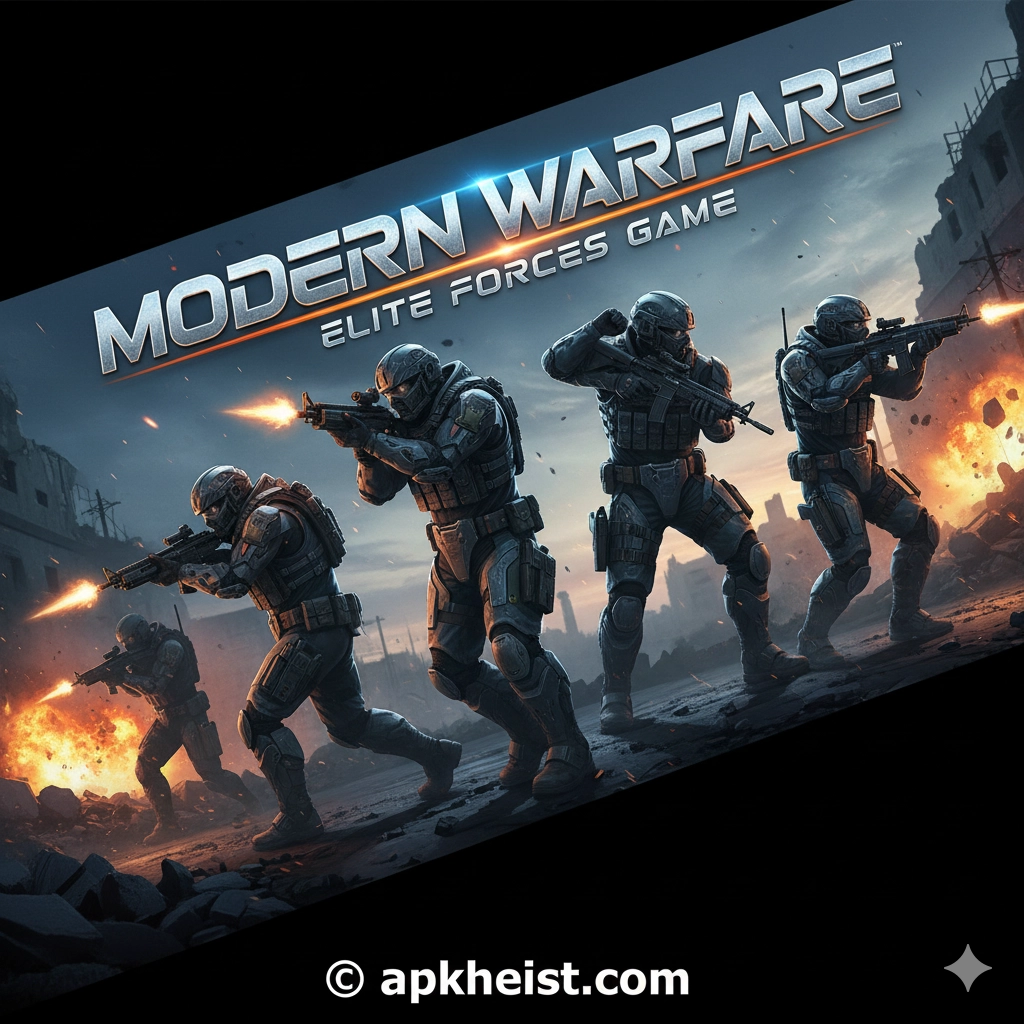
Long introduction: Designed for players who appreciate realistic weapon behavior, layered mission design, and teamwork-centric multiplayer, Modern Warfare: Elite Forces offers a contemporary military experience. Campaign missions emphasize stealth, decision points, and scripted set-pieces; multiplayer focuses on map control, class synergy, and progression systems. Below you will find a table of contents that links to detailed sections covering gameplay mechanics, loadouts, maps, tactics, progression, community features, and optimization tips. Throughout the article, selected related resources are referenced to provide context and further reading where relevant.
Contents (quick links):
1. Core Gameplay & Controls — Essential mechanics, movement, aiming and situational awareness basics.
2. Campaign Structure & Mission Types — Mission design, objectives, and recommended approaches.
3. Multiplayer Modes & Objectives — Mode breakdown and strategic goals for each competitive playlist.
4. Loadouts, Perks & Meta Weapons — Weapon classes, attachments, and recommended loadouts for different roles.
5. Map Control & Team Tactics — Controlling space, rotation principles, and communication standards.
6. Progression, Battle Pass & Monetization — Leveling, unlock pacing, and what to prioritize.
7. Performance, Settings & Troubleshooting — Technical optimization and common fixes.
1. Core Gameplay & Controls
Modern Warfare: Elite Forces emphasizes precision and situational thinking more than run-and-gun reflexes. Movement options include sprint, tactical sprint, slide, mantle, and crouch/prone—each with tradeoffs in speed versus visibility. The control scheme places a premium on aim stability: steady aim while stationary and controlled bursts at range are rewarded.
Key mechanical concepts:
Aim discipline: Use single shots or short bursts at medium to long ranges to maintain accuracy. Hip-fire is viable in close quarters but limited by spread.
Stance and recoil control: Crouch briefly to reduce recoil when needed; learn vertical vs horizontal recoil patterns for top meta weapons.
Sound cues: Footsteps, reloads, and distant gunfire convey actionable information. Prioritize sound settings and use decent headphones.
For situational awareness and supplementary tools, consider reading auxiliary app-style resources that help manage communication and coordination—for example, productivity and communication tools can improve team scheduling and strategy sessions such as Discover the Power of GP Chat AI.
2. Campaign Structure & Mission Types
The campaign in Elite Forces alternates between high-intensity combat set-pieces, stealth infiltration, and recon/escort missions. Objectives commonly include target elimination, sabotage, hostage extraction, and intel retrieval. Good mission planning emphasizes loadout flexibility and reconnaissance.
Stealth missions: Approach with silenced weapons, short bursts, and soft movement. Use vision cones of NPCs and environmental cover.
Assault missions: Use combined arms—suppression fire, grenades, and coordinated breaching. Establish a clear chain of objectives and fallback points.
Dynamic mission branches: Some missions offer optional objectives that alter later encounters—prioritize mission-critical intel to unlock easier routes.
To catalog and annotate mission notes or manuals on your system, portable reading and annotation utilities such as PDF Viewer & Book Reader App can be useful for keeping guides and walkthroughs well organized.

3. Multiplayer Modes & Objectives
Typical multiplayer playlists include Team Deathmatch (TDM), Domination (capture/hold objectives), Search & Destroy (round-based elimination with no respawns), and Objective Assault (push/defend series). Each mode demands a different tempo and risk profile.
Team Deathmatch: Prioritize weapon proficiency and spawn-aware positioning. Small unit tactics win rounds.
Domination: Focus on zone control and rotation timing; two zones held smartly defeat aggressive lone wolf plays.
Search & Destroy: Communication and utility (smokes, flashes) are paramount; play for information rather than immediate kills.
For teams who organize scheduled playtimes and training, appointment-style scheduling apps such as Setmore Appointment Scheduling App may streamline practice sessions and scrims.
4. Loadouts, Perks & Meta Weapons
Loadout design revolves around three pillars: primary weapon, secondary utility, and perk selection. Meta weapons typically fall into assault rifles for balance, SMGs for close range, and marksman rifles for pick-and-hold roles. Attachments (sights, barrels, grips) modify recoil, range, and handling.
Role templates:
Assaulter: Balanced rifle with medium-close attachments, frag grenade, and a perk that boosts sprint recovery.
Support: LMG or hybrid with extended mags, smoke grenade for objective plays, and a perk for ammo resupply.
Recon/Marksman: Marksman rifle, suppressor, heartbeat sensor, and stealth-oriented perks to maintain map denial.
Meta shifts frequently; one practical habit is to maintain a short database of effective attachments and recent nerfs/buffs. If you run experimental build notes and need rapid testing environments, developer-grade or experimental browsers like Chrome Canary (Unstable) App are commonly used by creators to preview web tools and documentation, although they are not required for gameplay.
5. Map Control & Team Tactics
Map control is the decisive factor in higher-skill play. It consists of three elements: space control (holding critical lanes), information control (knowing enemy positions), and tempo control (dictating the pace of engagements).
Holding choke points: Use crossfires and utility to deny enemy advances. Assign a player to watch flanks while two anchor the lane.
Rotations: Rotate on predictable timers; if a capture point is contested, don’t commit all players—leave a fast rotate ready.
Communication standards: Use concise callouts (sector/clock system), report enemy counts, and mark down health/special ability cooldowns.
Signal quality impacts callouts and latency; for mobile testing or network troubleshooting, tools like Signal Strength Test & Refresh App are referenced by some players organizing remote party sessions, though PC networking tools remain primary for desktop play.
6. Progression, Battle Pass & Monetization
Progression rewards players with weapon blueprints, cosmetic skins, and functional attachments across the battle pass and seasonal tracks. Decide early whether you target cosmetic-only unlocks or functional items that impact playstyle.
Recommended prioritization: Level core weapons and attachments that suit your main role to increase consistent performance. Cosmetics and emblems may be secondary priorities unless you value aesthetics highly.
Battle pass pacing: Track weekly challenges and prioritize high-XP objectives to maximize pass completion without excessive grind.
If you maintain content libraries of cosmetics or seasonal notes, category and content pages such as Adventure or genre hubs help centralize posts and guides for readers and team members.
7. Performance, Settings & Troubleshooting
Stable frame rate and low latency are critical. Key settings to tune include resolution scaling, texture streaming, anti-aliasing, and network interpolation/packet buffering. Always test changes in a private match or training arena before competitive play.
Graphics: Lower shadow and post-processing settings if CPU/GPU bottlenecks exist; maintain a stable FPS over peak fidelity.
Network: Prefer wired ethernet, enable QoS for gaming traffic if available, and ensure NAT settings are open for optimal matchmaking.
Troubleshooting checklist: Update GPU drivers, verify game files, disable overlays if they cause frame drops, and check firewall rules that may block matchmaking.
For structured team operations—scheduling practices, documenting tactics, and archiving settings—team leaders sometimes adopt productivity or chat tools; for instance, conversational AI utilities such as Le Chat by Mistral AI are referenced by communities exploring strategy automation and note-taking workflows.
Closing summary: Modern Warfare: Elite Forces rewards disciplined play, precise execution, and team coordination. Focus on mastering one role, communicate clearly, and adjust your loadouts to match map and mode. Use the resources and tools noted above to keep your practices organized and your team operating efficiently.
Frequently Asked Questions (FAQs)
Q1: What is the best starting loadout for new players?
A1: Begin with a balanced assault rifle, a reliable reflex sight, and a foregrip for recoil control. Equip a frag grenade and a smoke for objective plays. Choose a perk that improves sprint recovery or reduces flinch to increase survivability while learning map flow.
Q2: How important is sound in competitive play?
A2: Extremely important. Sound provides enemy movement, reloads, and ability usage cues. Use a headset with good stereo imaging, enable high-quality sound settings if CPU permits, and adjust in-game FX/music balance so footsteps are prominent.
Q3: Are attachments unlocked permanently or per weapon?
A3: Attachments are unlocked per weapon as you reach weapon mastery tiers or via progression tracks. Prioritize attachments that address a weapon’s primary weakness (range for SMGs, recoil for rifles).
Q4: How should a team organize rotations in Domination?
A4: Assign two anchors to hold one or two points while a roaming flanker rotates between contested points. Use utility to stall enemy pushes and call for rotates when a point is lost; avoid single-player hero pushes without support.
Q5: What settings most improve competitive performance?
A5: Aim for a target FPS (e.g., 120+) with consistent frame timing, disable V-Sync if it adds input lag, reduce shadow/post effects, and set a stable FOV that balances situational awareness with aim accuracy.
Q6: How does the matchmaking system handle skill differences?
A6: Matchmaking typically prioritizes connection quality first and then attempts to balance skill using ranked/hidden MMR metrics. For casual playlists, expect wider skill variance; ranked modes tighten matching criteria.
Q7: Where can I find community guides and practice resources?
A7: Community hubs, curated guide pages, and annotated mission walkthroughs are common. To manage guide collections and annotate strategies for your squad, use a dependable reader/organizer like PDF Viewer & Book Reader App, and consider scheduling scrims using tools such as Setmore Appointment Scheduling App. For on-the-fly networking diagnostics, community players sometimes reference network and signal tools such as Signal Strength Test & Refresh App. Additionally, content creators and modders occasionally preview workflow tools using Chrome Canary (Unstable) App for early web features, and team note systems may integrate conversational assistants like Le Chat by Mistral AI.





