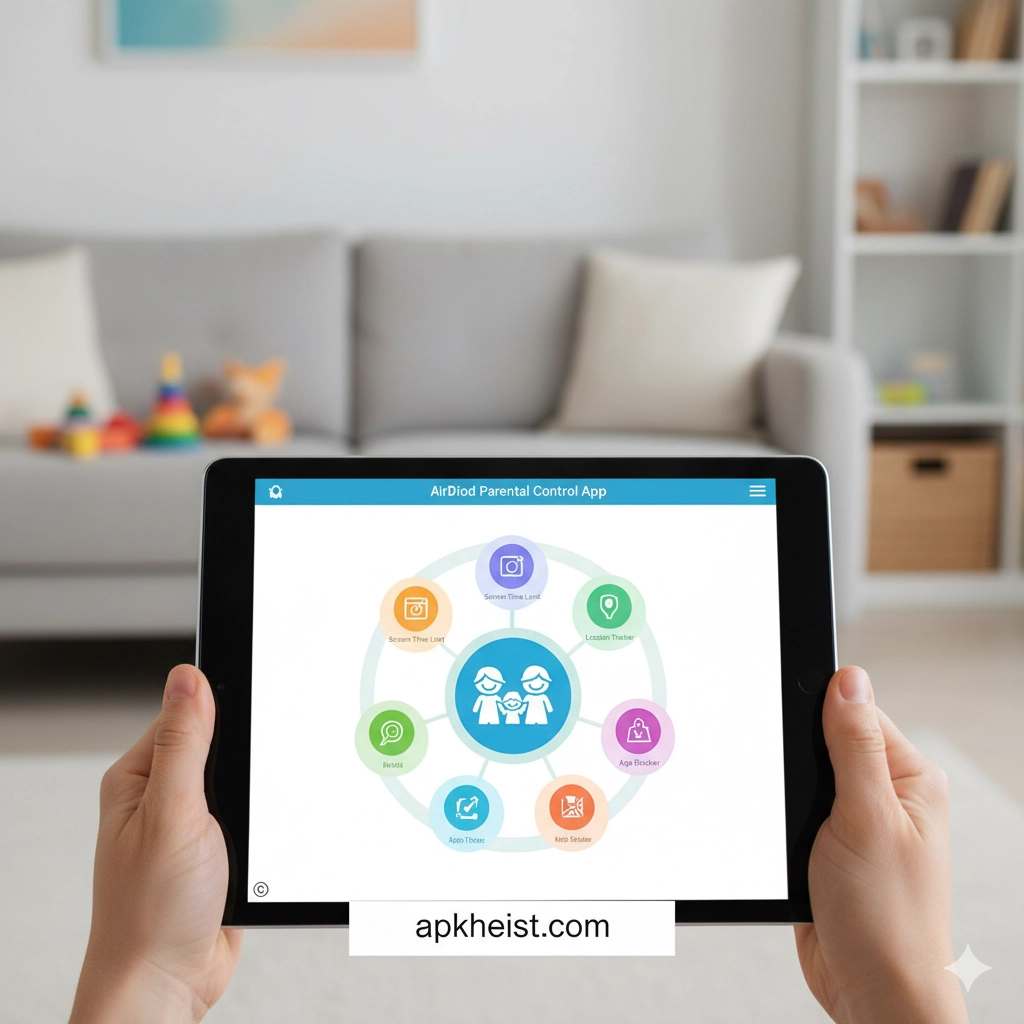
Detailed Overview: In today’s hyper-connected environment, children are exposed to a wide spectrum of online content and digital interactions. The AirDroid Parental Control App provides a comprehensive ecosystem that empowers parents with real-time monitoring, screen time management, app usage tracking, and remote supervision capabilities. With a strong emphasis on usability and data security, it enables guardians to create a structured digital environment without being overly intrusive. Whether you are concerned about excessive screen time, inappropriate content, or location tracking, this application integrates multiple control layers into one centralized platform, making it a competitive solution among modern parental control technologies.
Explore More Related Tools:
FamiSafe App: Complete Guide to Sma
T-Mobile® FamilyMode™ App: Smart Pare
Table of Contents
1. Key Features of AirDroid Parental Control App
2. Real-Time Screen Monitoring Explained
3. App Usage Control and Restrictions
4. Location Tracking and Geofencing
5. Privacy and Data Security Considerations
1. Key Features of AirDroid Parental Control App
The AirDroid Parental Control App delivers a robust feature set including remote camera access, screen mirroring, app blocking, and notification tracking. These capabilities allow parents to maintain visibility into their child’s device activity in real time. The system architecture is optimized for cross-device compatibility, supporting Android and iOS ecosystems. This ensures seamless synchronization between parent and child devices, enhancing operational efficiency.
2. Real-Time Screen Monitoring Explained
One of the most distinctive features is real-time screen monitoring, which enables parents to view exactly what is happening on their child’s device. This function operates with minimal latency, providing a near-instantaneous feed. It is particularly useful for detecting risky behaviors such as exposure to inappropriate content or interactions with unknown individuals. Compared to traditional monitoring tools, this offers a proactive rather than reactive approach.
Bark Parental Controls App: Intelligent
3. App Usage Control and Restrictions
Parents can define granular rules for app usage, including time limits and access restrictions. This helps in enforcing digital discipline and reducing dependency on entertainment applications. The scheduling system allows for customized routines, ensuring that children focus on studies during designated hours while still having controlled leisure time.

4. Location Tracking and Geofencing
The integrated GPS tracking feature provides real-time location updates, enhancing child safety outside the home. Geofencing allows parents to define virtual boundaries and receive alerts when these boundaries are crossed. This feature is particularly valuable for school-going children or during travel scenarios.
Locate Mobile by Number App: Smart Re
5. Privacy and Data Security Considerations
While the app offers extensive monitoring capabilities, it also emphasizes data encryption and secure communication protocols. Users should still evaluate privacy implications and ensure transparent communication with children to maintain trust. Ethical usage is critical to balancing safety and autonomy.
6. Advantages and Limitations
Advantages: Comprehensive monitoring, intuitive interface, real-time insights, multi-device support.
Limitations: Potential privacy concerns, dependency on stable internet connectivity, and possible subscription costs for premium features.
Qustodio Parental Control App: Complet
FAQs About AirDroid Parental Control App
1. Is AirDroid Parental Control App safe to use?
Yes, the app employs secure data transmission protocols and encryption, making it a reliable choice for monitoring, provided it is used responsibly.
2. Can I monitor multiple devices simultaneously?
Yes, the platform supports multi-device management, allowing parents to oversee several devices from a single dashboard.
3. Does it work on both Android and iOS?
The app is designed to function across major mobile operating systems, though certain features may vary depending on device permissions.
4. Will my child know they are being monitored?
Transparency is recommended. While the app can run discreetly, ethical usage involves informing children about monitoring practices.
5. How does it compare with other parental control apps?
It stands out due to its real-time monitoring and remote access features, though alternatives like comprehensive safety platforms may offer different strengths.
FlashGet Kids Parental Control App: Int
Category Navigation:





