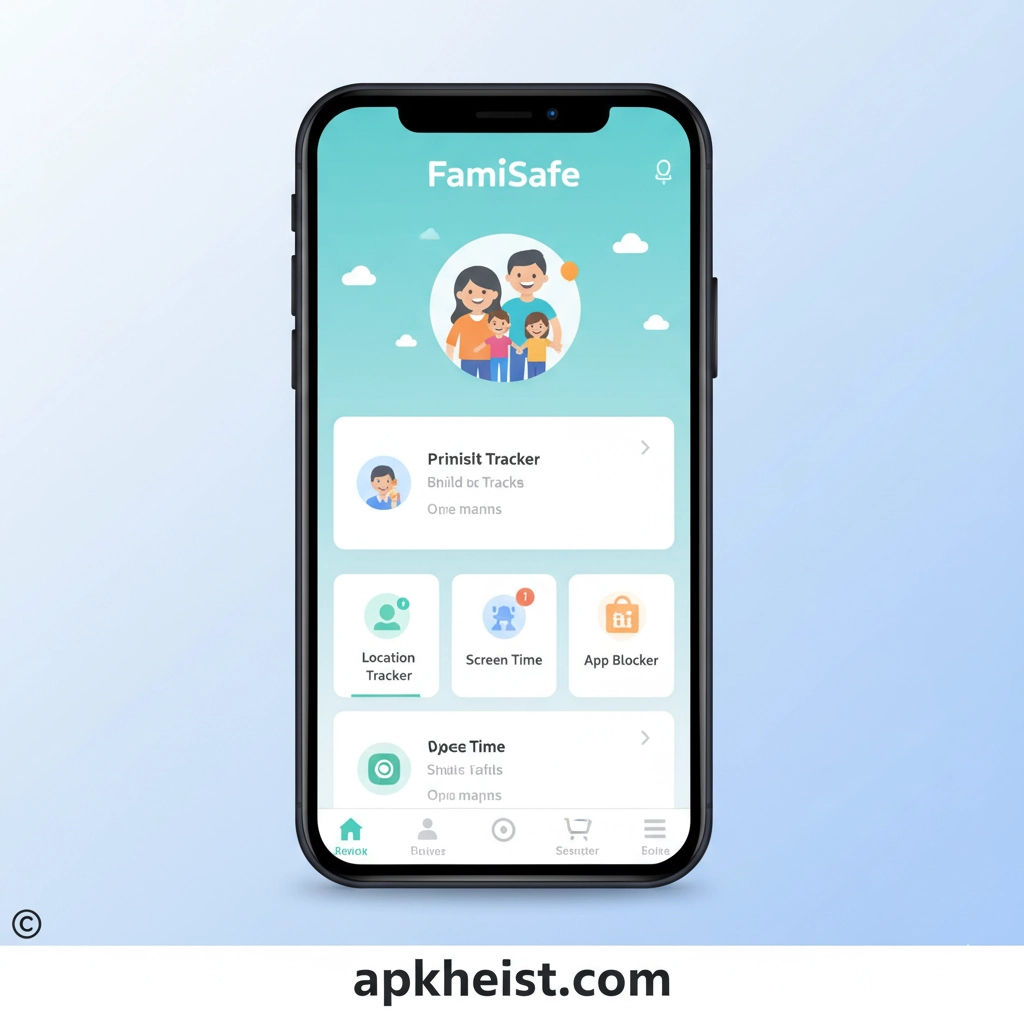
Short Introduction: In today’s digital-first environment, FamiSafe App provides parents with intelligent tools to supervise and guide their children’s mobile usage without invading privacy unnecessarily.
Long Introduction: As mobile devices become central to education, entertainment, and communication, concerns about online safety continue to grow. FamiSafe App addresses these concerns through a structured set of monitoring and control features including GPS tracking, screen time limits, app blocking, and web filtering. It empowers parents to build healthy digital habits in children while maintaining a balanced approach between supervision and independence.
Geeky Medics - OSCE Revision App: Clinical Learning Support
Anatomy Learning - 3D Anatomy App: Interactive Education Tool
1. FamiSafe App Overview
Understanding the core purpose and ecosystem of FamiSafe App.
2. Screen Time Management
Control and limit how long children use digital devices.
3. GPS Location Tracking
Real-time location monitoring for enhanced safety awareness.
4. Web Filtering System
Block harmful or inappropriate online content effectively.
5. App Usage Control
Restrict or approve applications on children’s devices.
6. Activity Monitoring Reports
Detailed insights into digital behavior patterns.
7. Social Media Monitoring
Track social interactions to ensure safe communication.
1. FamiSafe App Overview
FamiSafe App is built as a comprehensive parental control system that integrates multiple safety layers into a single platform. It enables parents to oversee digital activity without requiring constant physical supervision. The system works across Android and iOS devices, providing a unified dashboard where all monitored data is displayed in real time.
The application is particularly useful for families with school-age children, offering a balance between protection and autonomy. Its intuitive interface ensures that even non-technical users can configure monitoring rules easily and efficiently.
2. Screen Time Management
Screen time control is one of the core features of FamiSafe App. It allows parents to define daily or weekly usage limits for specific devices or apps. Once the limit is reached, access is automatically restricted, encouraging healthier usage habits.
This feature also supports scheduling, meaning parents can set “no-device” periods during homework hours, bedtime, or family time. Over time, this helps children develop self-discipline in managing their digital consumption.
3. GPS Location Tracking
The GPS tracking feature provides real-time location updates of a child’s device. This is especially useful for ensuring safety during travel to school or extracurricular activities.
In addition to live tracking, FamiSafe App can store location history, allowing parents to review past movements and identify travel patterns. Geofencing alerts can notify parents when a child enters or leaves predefined safe zones.

4. Web Filtering System
Web filtering in FamiSafe App helps protect children from inappropriate or harmful online content. Parents can block entire categories of websites or restrict access to specific URLs.
This filtering system works in real time, ensuring that unsafe content is blocked before it can be accessed. It is particularly valuable for younger users who may unintentionally encounter harmful material while browsing.
5. App Usage Control
App control features allow parents to manage which applications can be installed or used on a child’s device. This includes blocking social media apps, games, or any other category deemed inappropriate.
Parents can also temporarily lock apps during study hours, ensuring children remain focused on productive tasks. This creates a structured digital environment that supports learning and discipline.
6. Activity Monitoring Reports
FamiSafe App generates detailed activity reports that summarize device usage patterns. These reports include screen time statistics, frequently used apps, and browsing behavior.
Such insights help parents understand how children interact with technology and adjust rules accordingly. It also promotes transparent communication between parents and children about digital habits.
7. Social Media Monitoring
Social media monitoring is designed to help parents identify potential risks in online conversations. It tracks usage trends and highlights suspicious or unsafe interactions.
This feature is not intended for intrusive surveillance but rather for preventive safety, helping families respond early to cyberbullying or inappropriate communication patterns.
FAQs about FamiSafe App
Q1: What is FamiSafe App used for?
FamiSafe App is used for parental control, including screen time management, location tracking, and online safety monitoring.
Q2: Does FamiSafe App work on all devices?
Yes, it supports both Android and iOS devices, allowing cross-platform monitoring and control.
Q3: Can FamiSafe App track real-time location?
Yes, it provides live GPS tracking and location history features for better safety management.
Q4: Is FamiSafe App suitable for teenagers?
Yes, it is designed for children and teenagers, offering flexible controls based on age and maturity level.
Q5: Does it block inappropriate websites automatically?
Yes, it includes web filtering that can automatically block unsafe or restricted content categories.
Q6: Can parents control app usage remotely?
Yes, parents can remotely block, allow, or limit app usage from the control dashboard.
Q7: Is FamiSafe App privacy-friendly?
Yes, it focuses on safety monitoring while maintaining a structured and transparent approach to data usage within family settings.





