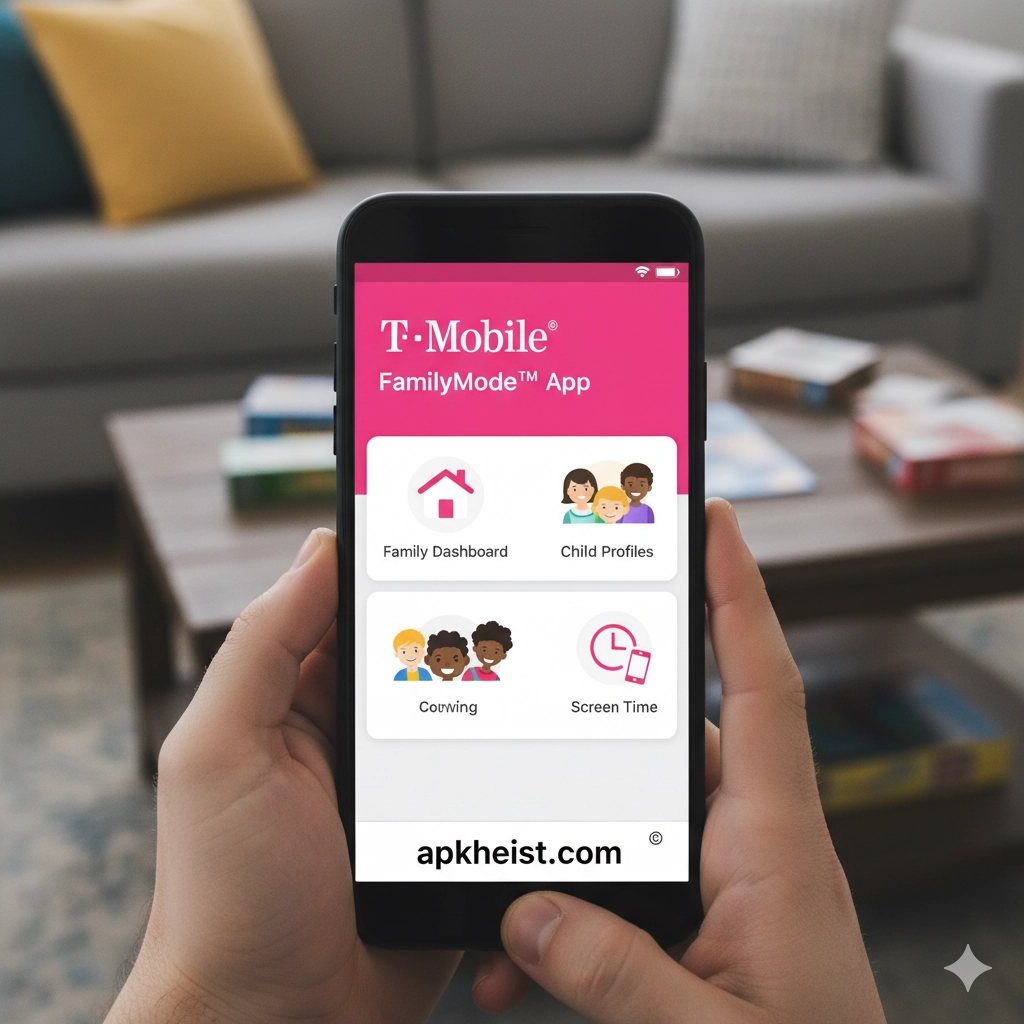
Long Introduction: In today’s hyper-connected digital environment, managing family device usage has become a critical responsibility. The T-Mobile® FamilyMode™ App provides a centralized ecosystem that allows guardians to monitor, guide, and protect children’s digital experiences. It combines location tracking, internet filtering, app usage controls, and time scheduling into a single unified interface. This guide explores its features, benefits, practical use cases, and advanced configurations for maximizing digital well-being and family safety.
Geeky Medics - OSCE Revision App: Com
Anatomy Learning - 3D Anatomy App: Interactive
Is Zocdoc the Smartest Way to Find and B
Baritastic - Bariatric Tracker App: Smart
Health2Sync - Diabetes Tracker App: Int
Sydney Health App: Intelligent Digital
1. Core Family Monitoring Dashboard — Centralized control panel for all connected devices and users.
2. Real-Time Location Tracking System — GPS-based family location visibility and safety zones.
3. Screen Time Management Controls — Flexible scheduling for healthy digital habits.
4. Web Filtering and Content Safety — Intelligent filtering to block harmful or inappropriate content.
5. App Usage Analytics — Insights into app behavior and usage patterns across devices.
6. Family Device Connection Management — Add and manage multiple devices under one family profile.
7. Digital Pause and Emergency Lockdown — Instant pause of device activity when needed.
8. Privacy, Permissions, and Data Security — Secure handling of family data and access permissions.
1. Core Family Monitoring Dashboard
The core dashboard of the T-Mobile® FamilyMode™ App serves as the operational hub for family digital management. It aggregates real-time data from all connected devices into a unified interface, allowing parents to view activity summaries, usage statistics, and alerts in a structured format. The dashboard emphasizes usability through clear categorization of children’s profiles, device status indicators, and quick-action controls. It is designed to minimize complexity while maximizing oversight, ensuring that guardians can make informed decisions quickly without navigating multiple menus.
2. Real-Time Location Tracking System
This feature enables continuous GPS-based monitoring of family members’ locations. The system updates in near real-time, offering visibility into movement patterns and enabling the configuration of geofenced safe zones. When a device enters or exits a designated area, alerts are triggered immediately. This functionality is particularly useful for ensuring child safety during school commutes, extracurricular activities, or travel. The system is optimized for accuracy while balancing battery efficiency on mobile devices.

3. Screen Time Management Controls
The screen time management module allows parents to define daily or weekly usage limits for individual devices or apps. It supports flexible scheduling rules such as bedtime restrictions, study hours, and weekend allowances. Once limits are reached, the system automatically restricts access or reduces functionality based on predefined rules. This encourages healthier digital behavior and reduces dependency on devices by enforcing structured usage boundaries.
4. Web Filtering and Content Safety
Web filtering functionality within the T-Mobile® FamilyMode™ App uses categorized content databases and real-time filtering algorithms to block inappropriate or harmful websites. Parents can customize filtering levels based on age appropriateness or specific content categories such as violence, adult material, or gambling. The system can also generate reports on blocked attempts, helping parents understand browsing behavior and potential risks.
5. App Usage Analytics
This module provides detailed analytics on how apps are used across each family member’s device. It tracks duration, frequency, and peak usage times, offering insights into digital habits. These analytics help identify overuse patterns or potentially addictive applications. Parents can use this data to adjust screen time rules or restrict specific apps, ensuring balanced device usage aligned with educational or lifestyle goals.
6. Family Device Connection Management
The app supports multi-device integration under a single family profile, enabling centralized control over smartphones, tablets, and compatible devices. Each device can be assigned to a specific family member with tailored restrictions and monitoring settings. This hierarchical structure ensures that rules can be customized individually while maintaining overall family governance from one administrative account.
7. Digital Pause and Emergency Lockdown
The digital pause feature allows instant suspension of internet access or device functionality across selected devices. This is particularly useful during emergencies, family meetings, or focused study periods. The emergency lockdown mode provides a more restrictive version, blocking most non-essential activities while still allowing emergency communication channels to remain open for safety purposes.
8. Privacy, Permissions, and Data Security
Security is a foundational component of the T-Mobile® FamilyMode™ App. It implements encrypted data transmission, role-based access controls, and strict permission hierarchies to ensure only authorized users can modify settings or access sensitive information. The system is designed to comply with modern data protection standards, ensuring that family data remains private and secure from unauthorized access or external threats.
FAQs
Q1: What is the main purpose of the T-Mobile® FamilyMode™ App?
It is designed to help families manage digital safety, monitor device usage, and enforce healthy screen time habits.
Q2: Can the app track real-time location?
Yes, it provides GPS-based tracking with geofencing alerts for safety monitoring.
Q3: Does it support multiple devices?
Yes, it supports multiple smartphones and tablets under one family account.
Q4: Can parents block specific apps?
Yes, app-level restrictions can be applied based on usage rules or categories.
Q5: Is internet filtering customizable?
Yes, filtering levels can be adjusted based on age or content categories.
Q6: Does it support emergency control features?
Yes, it includes digital pause and emergency lockdown functionality.
Q7: Is user data secure?
Yes, it uses encryption and permission-based access control for data protection.
Q8: Can screen time limits be scheduled?
Yes, schedules can be set for daily routines, weekends, and specific time blocks.





