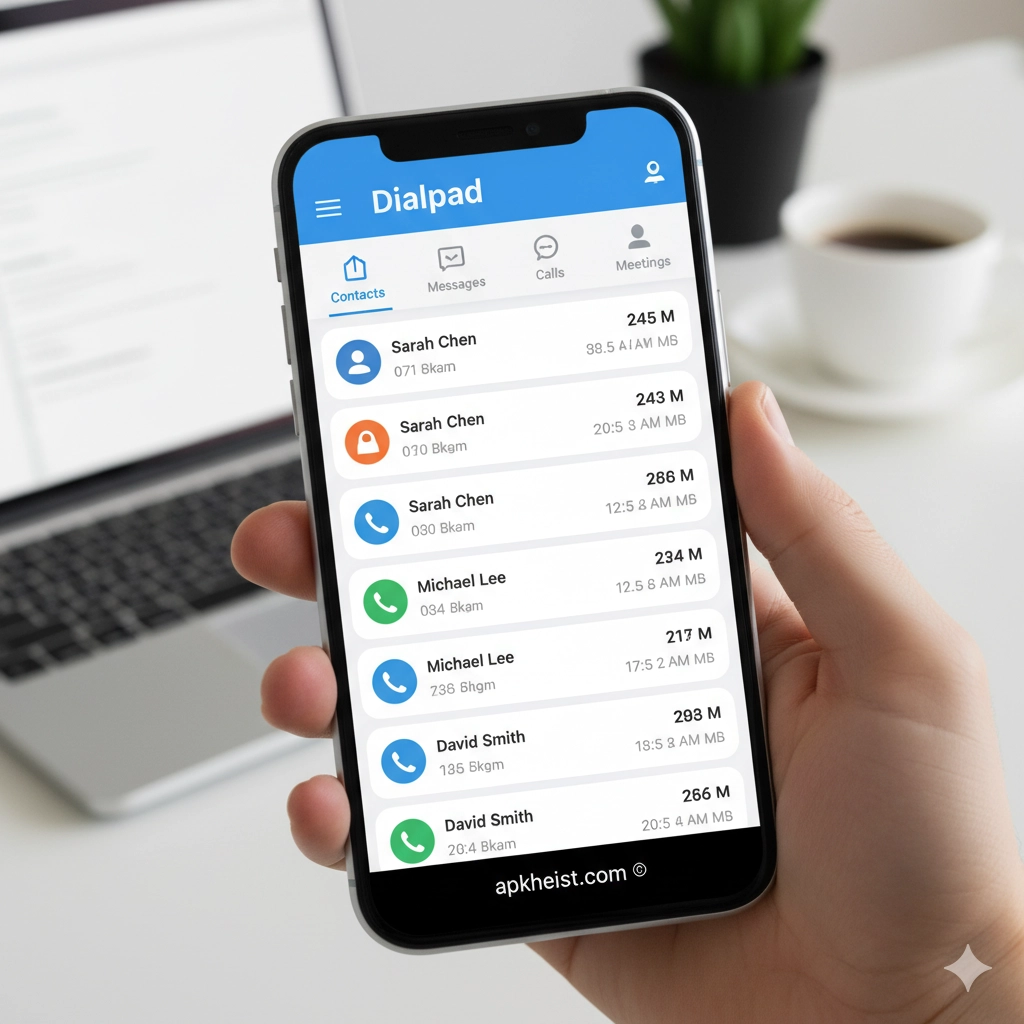
Extended Introduction: In an era where remote work, hybrid offices, and global collaboration are the norm, businesses require communication tools that go beyond traditional phone systems. The Dialpad app addresses this need by offering a unified, AI-driven solution for calls, meetings, and team messaging. Built on cloud infrastructure, Dialpad delivers real-time transcription, actionable insights, and seamless integrations that enable organizations to communicate smarter, faster, and with greater clarity across devices and locations.
Article Guide:
1. What Is the Dialpad App? – An overview of Dialpad’s core purpose and positioning.
2. AI-Powered Voice Intelligence – How artificial intelligence enhances every conversation.
3. Dialpad for Remote and Hybrid Teams – Supporting distributed work environments.
4. Integration with Business Tools – Connecting Dialpad with existing workflows.
5. Security, Compliance, and Reliability – Protecting business communications.
6. Dialpad App Use Cases Across Industries – Real-world applications and benefits.
1. What Is the Dialpad App?
The Dialpad app is a cloud communications platform designed for businesses of all sizes. It replaces legacy phone systems with internet-based calling, video conferencing, and team messaging. Unlike conventional VoIP tools, Dialpad embeds artificial intelligence directly into its core, allowing users to capture insights, track keywords, and review conversations in real time. This makes Dialpad not just a communication tool, but a strategic business intelligence asset.
2. AI-Powered Voice Intelligence
One of the defining features of the Dialpad app is its native AI engine. During calls and meetings, Dialpad automatically generates live transcripts, highlights key moments, and identifies action items. This capability reduces manual note-taking and improves accountability. Similar to how the Vani App enhances voice interaction, Dialpad applies intelligence to business conversations at scale.
3. Dialpad for Remote and Hybrid Teams
The Dialpad app is optimized for teams that operate across multiple locations. Employees can make and receive calls from desktop or mobile devices while maintaining a single business identity. Video meetings, instant messaging, and call handoffs ensure continuity regardless of where users are working. This approach aligns with productivity-focused platforms often featured in the Productivity category.

4. Integration with Business Tools
Dialpad integrates seamlessly with popular CRM systems, helpdesk platforms, and collaboration tools. These integrations allow teams to log calls automatically, access customer data during conversations, and streamline workflows. By embedding communication into daily operations, Dialpad reduces friction and improves response times, similar to how the Zello App optimizes team coordination.
5. Security, Compliance, and Reliability
Security is a critical component of the Dialpad app. The platform offers enterprise-grade encryption, role-based access controls, and compliance with industry standards such as GDPR and SOC 2. Businesses operating in regulated environments can rely on Dialpad to protect sensitive conversations while maintaining high availability and call quality.
6. Dialpad App Use Cases Across Industries
The Dialpad app is widely used across industries including sales, customer support, healthcare, and education. Sales teams leverage AI insights to improve close rates, while support teams use real-time transcription to resolve issues faster. Educational institutions and remote organizations benefit from Dialpad’s scalable infrastructure, much like users of the LINE App rely on unified communication.
Frequently Asked Questions About the Dialpad App
Is the Dialpad app suitable for small businesses?
Yes, the Dialpad app is designed to scale from small teams to large enterprises. Small businesses benefit from its cloud-based setup, minimal hardware requirements, and AI-driven features that enhance professionalism.
Does the Dialpad app work on mobile devices?
The Dialpad app is available on both iOS and Android, allowing users to stay connected on the go while maintaining a consistent business phone presence.
How does Dialpad compare to traditional phone systems?
Unlike traditional systems, Dialpad operates entirely in the cloud, offering greater flexibility, lower maintenance costs, and advanced features such as live transcription and analytics.
Can Dialpad replace multiple communication tools?
Yes, Dialpad combines voice calls, video meetings, messaging, and AI insights into a single platform, reducing the need for separate communication applications.





