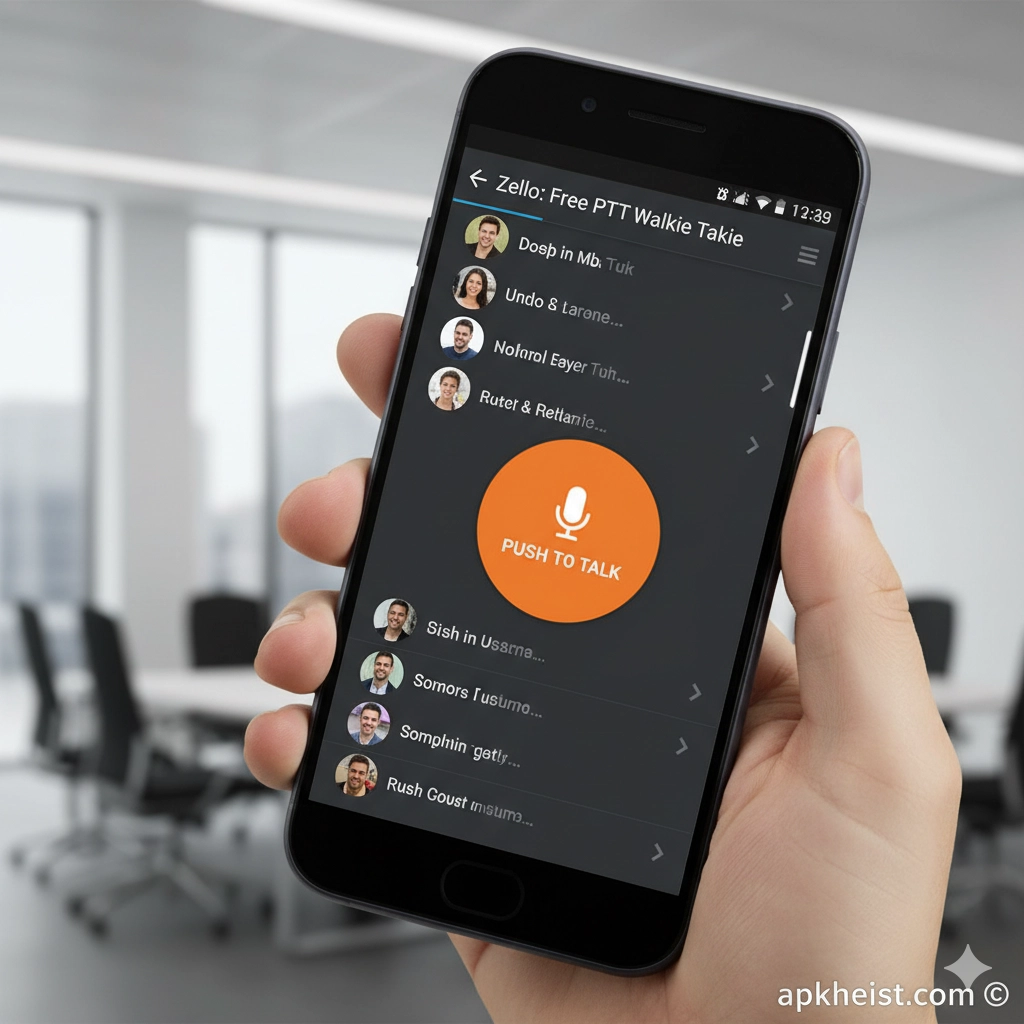
Long Introduction: In an era where speed and clarity define effective communication, the Zello app stands out as a real-time voice solution that bridges the gap between traditional walkie-talkies and modern mobile messaging. Designed for both casual users and mission-critical organizations, Zello delivers low-latency voice transmission over cellular and Wi-Fi networks. From logistics and transportation to social groups and emergency coordination, Zello provides a scalable, channel-based voice experience that prioritizes immediacy, reliability, and ease of use. As mobile communication continues to evolve alongside platforms such as LINE App and TownSq Community App, Zello carves a distinct niche by focusing on voice-first interaction.
1. What Is the Zello App? – An overview of its core concept and functionality.
2. How Push-to-Talk Technology Works – Understanding real-time voice delivery.
3. Key Features That Define Zello – Tools that enhance communication efficiency.
4. Zello for Business and Enterprise Use – Why professional teams rely on it.
5. Public and Private Channels Explained – Structuring conversations effectively.
6. Zello Compared to Messaging Apps – Voice-first versus text-first platforms.
7. Use Cases Across Industries – Real-world applications and scenarios.
1. What Is the Zello App?
The Zello app is a push-to-talk (PTT) communication platform that allows users to send instant voice messages that are delivered live or near-live to recipients. Unlike traditional voice calls, Zello operates through channels where one person speaks and others listen, closely mimicking two-way radio communication. This design minimizes friction and eliminates dialing delays, making it ideal for situations where timing is critical.
2. How Push-to-Talk Technology Works
Push-to-talk technology enables users to transmit voice messages by holding a single on-screen button. Zello compresses and streams audio in real time over internet connections, ensuring minimal latency even on unstable networks. This approach allows communication to remain functional where text or video apps may fail, similar to how lightweight tools such as iSharing App prioritize efficiency over complexity.
3. Key Features That Define Zello
Zello includes features such as message replay, voice history, contact presence indicators, Bluetooth accessory support, and channel moderation tools. For enterprise users, advanced options like user management, dispatch consoles, and usage analytics are available. These features collectively create a communication ecosystem that balances simplicity with operational depth.

4. Zello for Business and Enterprise Use
Many organizations adopt Zello to replace or supplement traditional radio systems. Logistics companies, construction crews, and emergency responders use Zello to coordinate teams in real time without investing in specialized hardware. Compared to broader productivity platforms listed under Productivity tools, Zello focuses narrowly on voice speed and operational reliability.
5. Public and Private Channels Explained
Zello channels can be configured as public or private, allowing flexible communication structures. Public channels enable large communities to connect around shared interests, while private channels restrict access to approved members only. This channel-based model supports both open collaboration and controlled operational communication.
6. Zello Compared to Messaging Apps
Unlike text-centric platforms, Zello emphasizes immediacy through voice. While apps such as Firefox Beta App focus on performance experimentation and innovation, Zello focuses on reducing communication friction. Voice delivery eliminates typing delays and reduces misunderstandings caused by text ambiguity.
7. Use Cases Across Industries
Zello is used in transportation fleets, hospitality operations, retail coordination, volunteer networks, and disaster response scenarios. Its flexibility allows it to adapt to both structured workflows and informal social use. This broad applicability places Zello firmly within the Communication category while overlapping with business-critical operational tools.
Frequently Asked Questions About Zello App
What devices support the Zello app?
Zello is available on Android, iOS, and desktop platforms, ensuring cross-device compatibility for teams and individuals.
Is Zello free to use?
Zello offers a free version for personal use, while business and enterprise plans provide advanced administrative and security features.
Does Zello work without an internet connection?
Zello requires an internet connection via Wi-Fi or mobile data; however, it is optimized to function reliably on low-bandwidth networks.
How secure is communication on Zello?
Zello supports encrypted communication and controlled channel access, making it suitable for professional and sensitive use cases.
Can Zello replace traditional walkie-talkies?
For many organizations, Zello effectively replaces hardware radios by offering greater range, scalability, and device flexibility.





