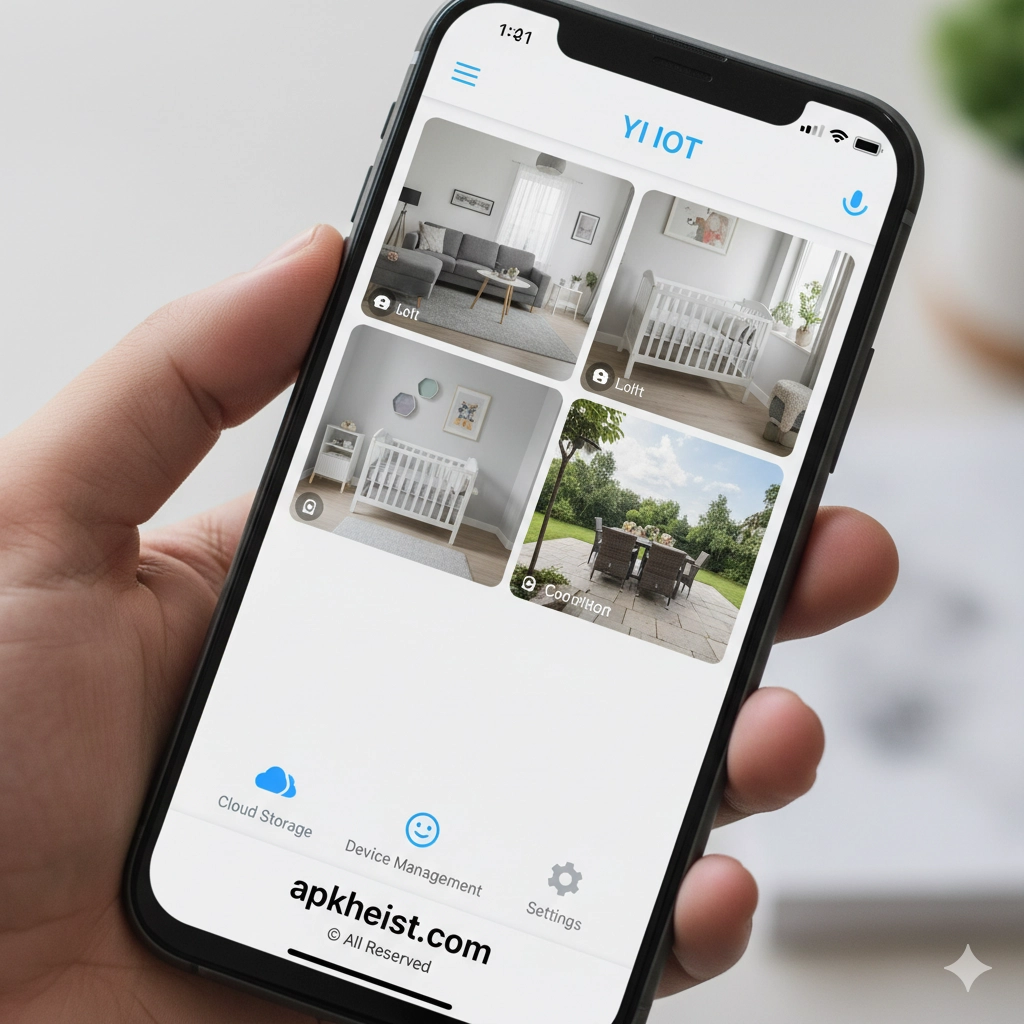
Extended Introduction: As smart home technology continues to evolve, the YI IoT App has positioned itself as a reliable and user-friendly platform for managing connected security devices. Primarily known for supporting YI smart cameras, the app integrates cloud services, AI-powered detection, and cross-device synchronization to deliver a comprehensive monitoring experience. Whether used for home security, baby monitoring, or small business surveillance, the YI IoT App combines simplicity with professional-grade functionality.
Table of Contents:
1. What Is the YI IoT App? – A foundational overview of its purpose and ecosystem.
2. Core Features and Smart Capabilities – Key functions that define its usability.
3. Camera Integration and Device Compatibility – Supported hardware and setup flexibility.
4. Cloud Storage and Video Playback – How recordings are stored and accessed securely.
5. AI Detection and Smart Alerts – Intelligent motion and sound recognition.
6. User Experience and Interface Design – Navigation, usability, and performance.
7. Privacy, Security, and Data Protection – Measures that safeguard user data.
1. What Is the YI IoT App?
The YI IoT App serves as a centralized control platform for YI-branded smart cameras and related IoT devices. It enables users to view live footage, review recorded clips, and manage device settings from anywhere. Designed for both casual users and advanced adopters, the app bridges hardware and cloud intelligence into a single ecosystem.
2. Core Features and Smart Capabilities
At its core, the YI IoT App delivers real-time live streaming, two-way audio communication, and instant notifications. Users can customize alert sensitivity, define activity zones, and manage multiple devices under one account. These features make it comparable to other modern smart control solutions discussed in platforms like PRISM Live App, though with a focus on security rather than content creation.
3. Camera Integration and Device Compatibility
The app supports a wide range of YI indoor and outdoor cameras, including home, baby, and action camera variants. Setup is streamlined through QR-code pairing, ensuring quick onboarding. Its compatibility model allows users to expand their system gradually, similar to modular ecosystems found in productivity-focused platforms.

4. Cloud Storage and Video Playback
YI IoT App offers optional cloud storage plans that enable continuous recording, event-based clips, and historical playback. Users can review footage by timeline or event type, ensuring critical moments are easy to retrieve. This approach aligns with the on-demand access standards seen in advanced media platforms like XPlayer App.
5. AI Detection and Smart Alerts
Artificial intelligence plays a central role in the YI IoT App. Smart detection algorithms can differentiate between humans, motion, and sound events, reducing false alarms. These intelligent alerts provide timely notifications without overwhelming users, a balance increasingly expected in modern smart applications.
6. User Experience and Interface Design
The interface is designed for clarity and efficiency, with a dashboard that presents device status, alerts, and live feeds at a glance. Navigation is intuitive, making it accessible even for first-time users. This streamlined experience mirrors the usability philosophy found in lifestyle and social applications such as Kwai App.
7. Privacy, Security, and Data Protection
Security is a critical component of the YI IoT App. Encrypted data transmission, secure account authentication, and configurable privacy modes ensure user trust. The app also allows users to disable cameras or notifications when privacy is required, reinforcing responsible IoT usage.
Frequently Asked Questions (FAQ)
Q1: Is the YI IoT App free to use?
A1: Yes, the app itself is free, with optional paid cloud storage subscriptions for advanced recording features.
Q2: Can I access the YI IoT App from multiple devices?
A2: Yes, a single account can be logged in on multiple smartphones or tablets for shared access.
Q3: Does the YI IoT App work without cloud storage?
A3: Yes, users can rely on live viewing and local storage, though cloud services enhance playback and event history.
Q4: Is the YI IoT App suitable for business use?
A4: While designed primarily for home users, it can support small offices and shops with basic surveillance needs.
Q5: How does YI IoT App compare to other smart monitoring apps?
A5: It stands out for its balance of affordability, AI features, and ease of use, making it competitive within the smart home ecosystem.





