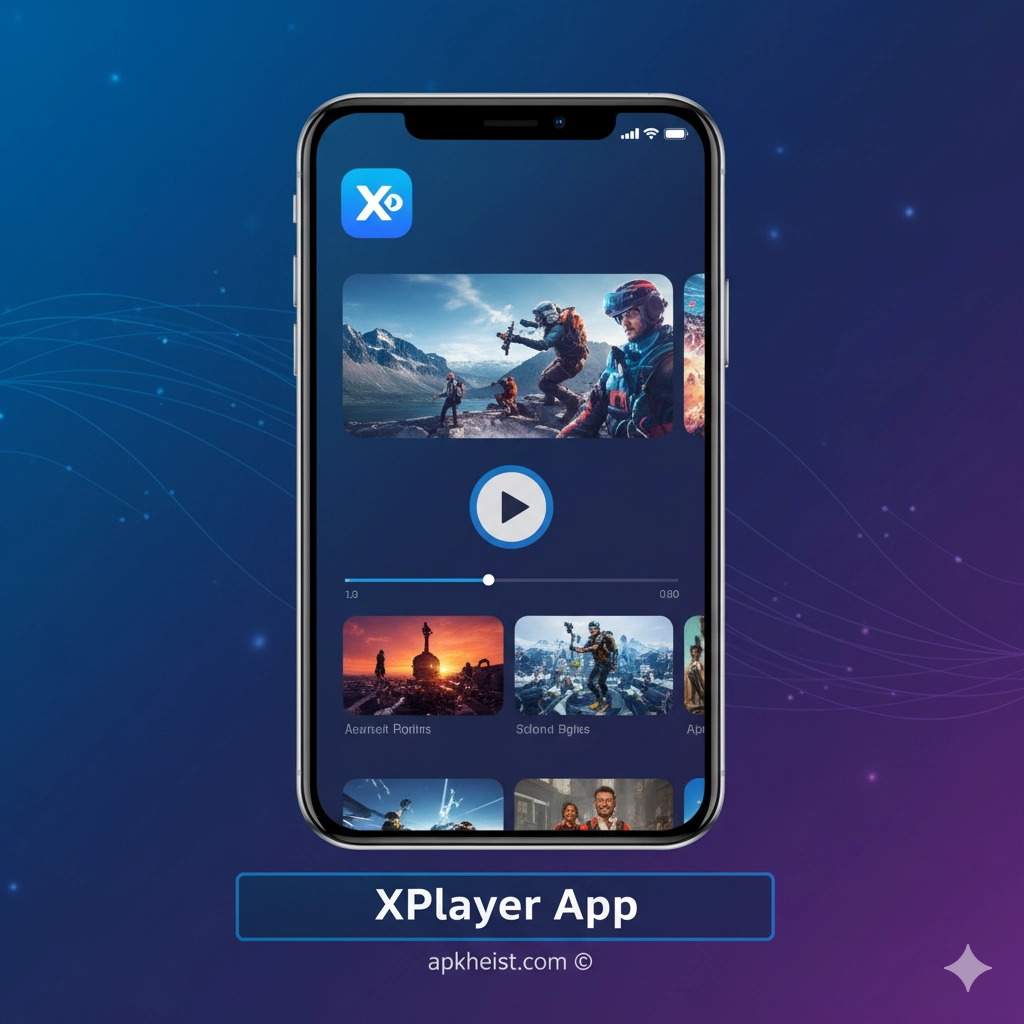
Extended Introduction: In an era where users consume video content from multiple sources and in various formats, having a reliable and versatile media player is essential. The XPlayer App positions itself as a robust solution for users who demand more than basic playback. It supports advanced codecs, high-resolution files, subtitle synchronization, and privacy-focused features. Whether you are watching downloaded movies, streaming local content, or organizing a personal media library, XPlayer App aims to provide efficiency, control, and performance in one streamlined package.
Section Overview: Below is a structured guide that explores the core capabilities, advantages, and real-world use cases of the XPlayer App, helping users understand why it stands out in the competitive Video Players & Editors category.
1. Comprehensive Format Support – An overview of how XPlayer App handles diverse video and audio formats.
2. High-Definition and 4K Playback Performance – Insights into smooth playback for high-resolution content.
3. Privacy and Secure Folder Features – How XPlayer App protects personal media files.
4. Subtitle, Gesture, and Playback Controls – Customization tools that enhance viewing comfort.
5. Real-World Use Cases and App Ecosystem – Practical scenarios and related app content.
1. Comprehensive Format Support
The XPlayer App is engineered to support an extensive range of video and audio formats, including MP4, MKV, AVI, MOV, FLV, and many others. This eliminates the need for multiple players or format conversion tools. Users can confidently open media files received from different sources without worrying about compatibility. This level of flexibility is particularly valuable for users who frequently download content or transfer files across devices.
2. High-Definition and 4K Playback Performance
Performance is a defining strength of the XPlayer App. It is optimized for HD and 4K playback, ensuring minimal lag, accurate frame rendering, and stable audio-video synchronization. Even on mid-range devices, XPlayer App demonstrates efficient resource management. This makes it suitable for users who enjoy high-quality content similar to immersive entertainment experiences found in gaming and racing titles such as Drag Racing Games or high-adrenaline mobile simulations.
3. Privacy and Secure Folder Features
One of the standout features of the XPlayer App is its focus on privacy. Users can lock private videos within a secure folder, preventing unauthorized access. This is especially relevant for personal recordings or sensitive media files. Unlike standard players, XPlayer App integrates security directly into the media experience, aligning with broader trends in mobile personalization and privacy-aware app design.

4. Subtitle, Gesture, and Playback Controls
XPlayer App provides advanced subtitle support, allowing users to load external subtitle files, adjust timing, and customize text appearance. Gesture-based controls enable intuitive brightness, volume, and playback speed adjustments with simple swipes. These features significantly improve usability during long viewing sessions, whether watching films, educational content, or niche app reviews such as OldRoll App and other multimedia-focused applications.
5. Real-World Use Cases and App Ecosystem
In real-world usage, the XPlayer App fits seamlessly into a broader mobile app ecosystem. It complements content from entertainment, productivity, and creative apps, making it a practical choice for users who consume diverse media daily. For example, after exploring immersive open-world experiences like Underground Rivals 2 OpenWorld Game, users can rely on XPlayer App to review recorded gameplay clips or downloaded trailers without technical limitations.
Frequently Asked Questions About XPlayer App
What is the XPlayer App mainly used for?
The XPlayer App is primarily used for playing local video and audio files on mobile devices, offering advanced format support, high-resolution playback, and privacy features.
Does XPlayer App support subtitles?
Yes, XPlayer App supports multiple subtitle formats and allows users to customize synchronization, font size, and appearance for an improved viewing experience.
Is XPlayer App suitable for 4K videos?
XPlayer App is optimized for HD and 4K playback, providing smooth performance depending on device hardware capabilities.
How does XPlayer App protect private videos?
It includes a secure folder feature that allows users to lock sensitive media files, ensuring privacy and controlled access.
Is XPlayer App better than default video players?
For users who need broader format compatibility, enhanced controls, and built-in privacy options, XPlayer App offers clear advantages over many default video players.





