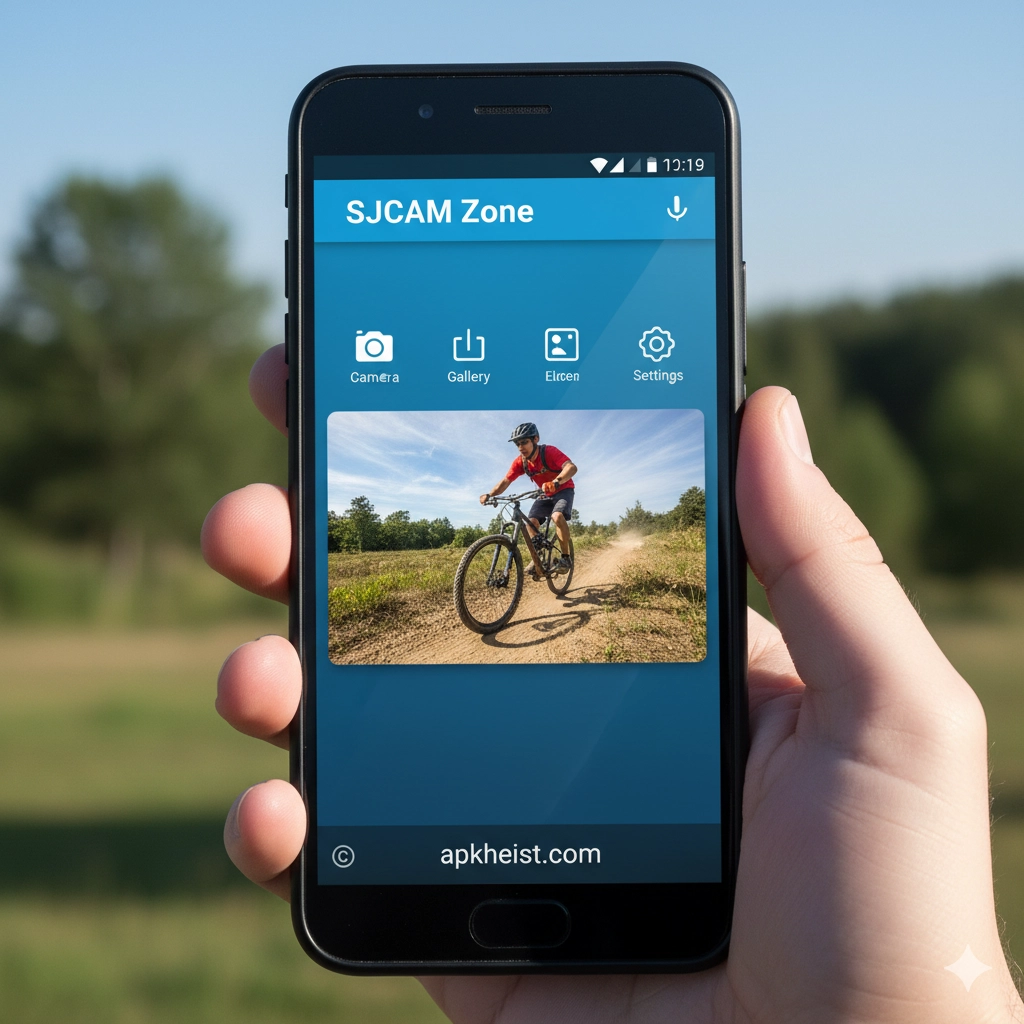
Extended Introduction: As action cameras continue to evolve, users increasingly expect mobile apps that provide stability, speed, and creative flexibility. The SJCAM Zone App fills this role by acting as a centralized control hub for SJCAM devices. Whether you are capturing outdoor adventures, travel vlogs, or daily moments, the app enables users to manage camera settings remotely, preview footage instantly, and share content efficiently. For creators who already rely on mobile workflows similar to tools found in PRISM Live App: A Smart All-in-One Sol or media playback platforms like XPlayer App: A Powerful and Flexible Vid, SJCAM Zone App integrates smoothly into modern content creation habits.
Content Overview:
1. Wireless Camera Control and Live Preview – Manage your SJCAM camera directly from your smartphone.
2. Fast Media Transfer and File Management – Access, download, and organize footage with ease.
3. Built-in Editing and Sharing Capabilities – Prepare content quickly for social platforms.
4. Compatibility with SJCAM Action Camera Models – Designed to support a wide range of devices.
5. User Interface and Performance Experience – Focused on simplicity and reliability.
6. Ideal Use Cases for Creators and Travelers – Practical scenarios where the app excels.
1. Wireless Camera Control and Live Preview
The SJCAM Zone App allows users to connect their action camera via Wi-Fi and take full control remotely. From starting and stopping recordings to adjusting resolution, frame rate, and shooting modes, the app eliminates the need to physically interact with the camera during use. The live preview feature is especially valuable for mounting scenarios such as helmets, vehicles, or tripods, ensuring precise framing before recording begins.
2. Fast Media Transfer and File Management
Efficient media access is a core strength of the SJCAM Zone App. Users can browse photos and videos stored on the camera, selectively download files to their phone, and manage storage without removing memory cards. This workflow mirrors the convenience expected from modern mobile ecosystems, similar to entertainment-focused platforms found under categories like Photography and Video Players & Editors.
3. Built-in Editing and Sharing Capabilities
While not intended to replace professional editing software, the SJCAM Zone App includes basic trimming and preview functions that allow users to prepare clips quickly. This is particularly useful for fast sharing to social platforms or messaging apps. For creators accustomed to short-form content ecosystems like Kwai App: How This Short Video Platform, the app supports rapid publishing without unnecessary complexity.
4. Compatibility with SJCAM Action Camera Models
The app is designed to work across multiple SJCAM camera models, ensuring consistent performance and feature access. Firmware updates and device pairing processes are simplified, reducing technical barriers for beginners while still offering enough flexibility for advanced users. This broad compatibility makes the app a reliable long-term companion as users upgrade or expand their camera lineup.

5. User Interface and Performance Experience
SJCAM Zone App emphasizes a clean layout with clearly labeled controls, making navigation intuitive even for first-time users. Connection stability and responsive controls are key priorities, especially during outdoor use where quick adjustments matter. Compared to heavier multimedia apps found in sections like Tools or Productivity, the app remains lightweight and purpose-driven.
6. Ideal Use Cases for Creators and Travelers
The app is particularly well-suited for travelers, sports enthusiasts, vloggers, and casual users who want immediate access to their footage. From recording scenic routes similar to content seen in Real Car Driving Open Sandbox Games inspirations to documenting events and daily activities, SJCAM Zone App streamlines the entire capture-to-share workflow.
Frequently Asked Questions (FAQ)
What is the SJCAM Zone App used for?
The SJCAM Zone App is used to remotely control SJCAM action cameras, preview recordings, manage media files, and share content directly from a smartphone.
Is the SJCAM Zone App free to use?
Yes, the app is generally available for free and is intended to be used alongside compatible SJCAM cameras.
Does the app support video editing?
The app includes basic editing and trimming tools suitable for quick sharing, though advanced editing may require third-party software.
Which devices are compatible with the SJCAM Zone App?
The app supports a wide range of SJCAM action camera models and is available for common mobile operating systems.
Can I use the app without an internet connection?
Yes, most core features such as camera control and file transfer work via direct Wi-Fi connection without internet access.
Is SJCAM Zone App suitable for beginners?
Absolutely. Its simple interface and guided controls make it accessible for beginners while still offering flexibility for experienced users.





