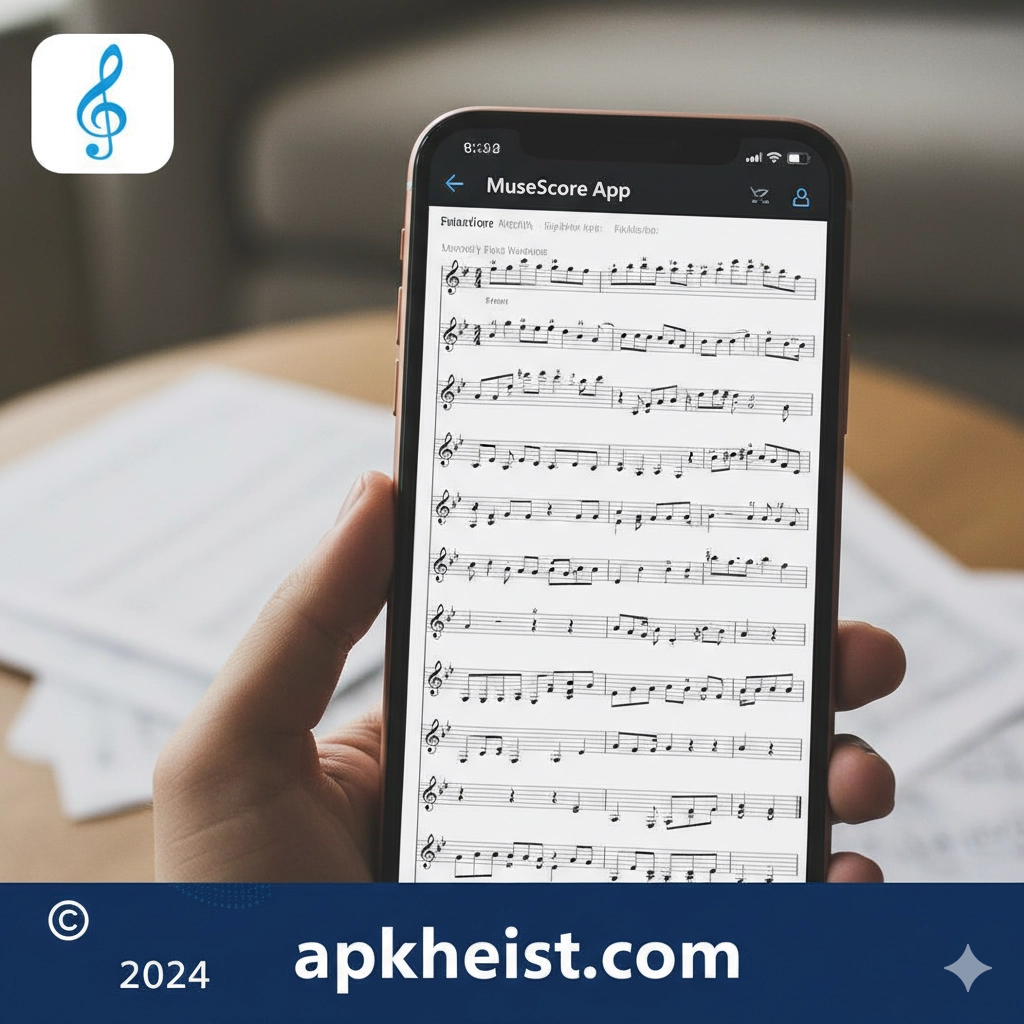
Big Introduction: The MuseScore App has become a global reference point for digital music notation and interactive learning. It enables users to read, create, edit, and share sheet music with exceptional flexibility. Whether you are a beginner learning basic notation, an educator preparing lessons, or a composer arranging complex orchestral scores, MuseScore provides an ecosystem that balances accessibility with depth. Beyond notation, the app integrates playback, tempo control, community sharing, and cloud synchronization, making it a central workspace for modern musicians.
Contents Overview:
1. What Makes the MuseScore App Stand Out – A look at its core value and unique positioning.
2. Music Notation Tools and Editing Workflow – How the app supports detailed score creation.
3. Learning, Practice, and Playback Features – Tools that support skill development.
4. Community, Sharing, and Cloud Integration – How MuseScore connects musicians worldwide.
5. Who Should Use the MuseScore App – Use cases across different user profiles.
1. What Makes the MuseScore App Stand Out
The MuseScore App distinguishes itself by offering professional music notation capabilities without creating unnecessary barriers for new users. Its interface is structured around musical logic rather than technical complexity, allowing users to focus on creativity instead of software mechanics. This balance is comparable to how well-designed digital entertainment platforms streamline user engagement, as seen in diverse app ecosystems such as Music Player & MP3 - DDMusic App: You, where usability and depth coexist.
Another defining factor is its cross-platform consistency. Scores created on one device can be accessed, edited, and performed on another with minimal friction. This flexibility supports modern workflows where musicians switch between desktop composition and mobile practice sessions.
2. Music Notation Tools and Editing Workflow
At the core of the MuseScore App lies a comprehensive notation engine capable of handling everything from simple melodies to complex polyphonic arrangements. Users can input notes using keyboards, touch interfaces, or MIDI devices, ensuring compatibility with various creative habits.
The editing workflow emphasizes precision. Articulations, dynamics, tempo markings, and time signature changes are all accessible through structured menus that reflect real-world music theory. This design makes MuseScore particularly effective for educational environments, aligning well with other structured learning tools commonly found across digital education platforms.
3. Learning, Practice, and Playback Features
The MuseScore App is not only about writing music; it is also a practical learning companion. Integrated playback allows users to hear scores instantly, adjust tempo, loop difficult sections, and isolate individual parts. These features support deliberate practice strategies used by students and professionals alike.
In this respect, MuseScore functions similarly to skill-based digital experiences found in interactive domains, where repetition, feedback, and incremental improvement are central. While the context differs from competitive environments like All Star Basketball: Shootout Games, the underlying principle of structured progression remains consistent.

4. Community, Sharing, and Cloud Integration
One of the strongest aspects of the MuseScore App is its global community. Users can upload scores, discover arrangements from other musicians, and study different compositional approaches. This shared library transforms the app into a living archive of musical knowledge.
Cloud synchronization ensures that work is never isolated to a single device. This collaborative and connected approach reflects broader digital trends seen across content-driven platforms, where shared resources and user-generated material enhance long-term value.
5. Who Should Use the MuseScore App
The MuseScore App is suitable for a wide range of users. Students benefit from its clear notation and playback tools, educators appreciate its reliability for lesson preparation, and composers rely on its depth for professional projects. Even hobbyists find value in the ability to explore, modify, and understand music at their own pace.
Much like versatile digital platforms in other categories, MuseScore adapts to user intent rather than forcing a single usage model. This adaptability is a key reason for its sustained relevance in the evolving music technology landscape.
Frequently Asked Questions About the MuseScore App
What is the MuseScore App mainly used for?
The MuseScore App is primarily used for creating, reading, editing, and practicing sheet music using digital notation tools.
Is the MuseScore App suitable for beginners?
Yes, the app is designed to be accessible for beginners while still offering advanced features for experienced musicians.
Can I use the MuseScore App offline?
Many core features, including score viewing and editing, can be used offline, although cloud features require an internet connection.
Does the MuseScore App support learning and practice?
Yes, playback controls, tempo adjustment, and part isolation make it an effective practice companion.
How does MuseScore compare to other music apps?
MuseScore focuses on notation and musical structure rather than audio playback alone, positioning it differently from standard music or entertainment apps.





