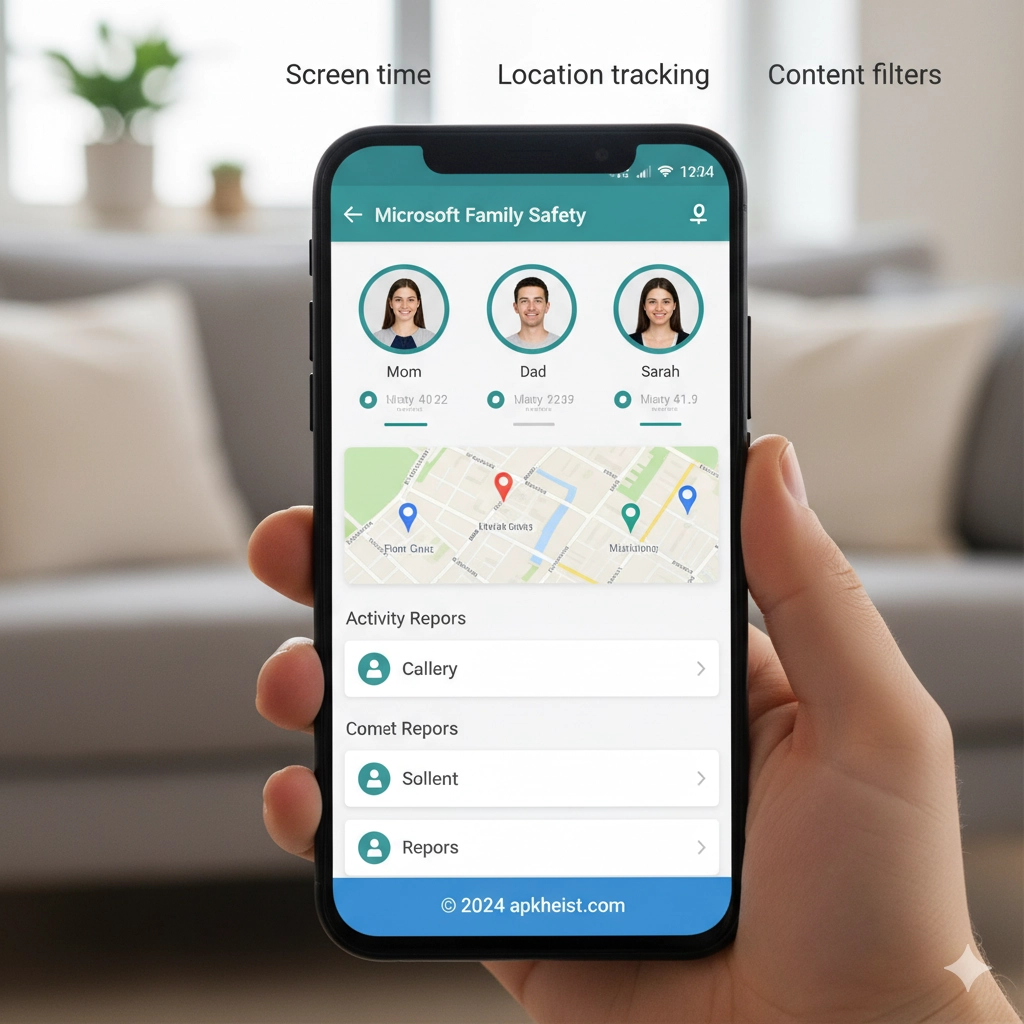
Long Introduction: In today’s connected world, digital safety has become a core concern for families. The Microsoft Family Safety App provides a centralized control system that allows parents to oversee children’s digital behavior, set boundaries, and encourage healthy device usage habits. It integrates deeply with Microsoft accounts and Windows ecosystems, while also supporting mobile platforms, making it a flexible tool for cross-device family management. Alongside solutions like Qustodio Parental Control App and FamiSafe App, it represents a growing category of intelligent family safety systems.
Navigation Guide:
1. Overview of Microsoft Family Safety App - Understanding core features and purpose.
2. Screen Time Management System - How digital limits are applied.
3. Content Filtering and Web Protection - Safe browsing and restrictions.
4. Location Tracking and Family Mapping - Real-time family location features.
5. Activity Reports and Digital Insights - Monitoring usage patterns.
6. Cross-Device Integration System - Windows, Android, and iOS sync.
7. Privacy Controls and System Limitations - Security and boundaries.
1. Overview of Microsoft Family Safety App
The Microsoft Family Safety App is designed as a unified family digital management platform. It allows parents to create a “family group” where each member’s device activity can be monitored and controlled. It focuses on balancing safety with independence, ensuring children can explore the digital world responsibly.
This system is particularly strong in Windows environments but also extends to mobile ecosystems. Compared to tools like FlashGet Kids Parental Control App, Microsoft’s approach emphasizes ecosystem integration and account-based supervision rather than isolated device control.
2. Screen Time Management System
Screen time management is one of the core functionalities of the Microsoft Family Safety App. Parents can define daily usage limits, schedule device-free hours, and even set different rules for weekdays and weekends.
The system automatically enforces limits across linked devices, ensuring consistency. When time runs out, the device locks or restricts access based on configured policies. This approach encourages healthier digital habits and reduces excessive screen dependency.

3. Content Filtering and Web Protection
Content filtering allows parents to block inappropriate websites, restrict adult content, and control search engine results. The Microsoft Family Safety App integrates with Microsoft Edge to enforce browsing rules effectively.
It uses category-based filtering systems, allowing granular control over what children can access online. This is similar in concept to advanced safety platforms like Bark Parental Controls App, which focuses on intelligent content detection and alerts.
4. Location Tracking and Family Mapping
One of the most practical features is real-time location tracking. The app allows family members to share their live location on a private map, making it easier for parents to ensure safety during travel or daily commutes.
Geofencing capabilities allow alerts when a child enters or leaves predefined zones such as school or home. This feature adds an additional layer of situational awareness without requiring constant manual checking.
5. Activity Reports and Digital Insights
The activity reporting system provides detailed insights into device usage patterns, app activity, and browsing behavior. Parents receive weekly summaries that highlight how digital time is being spent.
These insights help identify unhealthy usage trends and allow for data-driven parenting decisions. Similar analytical approaches can also be seen in wellness-focused tools like The Wonder Weeks App, which tracks behavioral development stages.
6. Cross-Device Integration System
The Microsoft Family Safety App is built to operate across multiple platforms, including Windows PCs, Android devices, and iOS systems. This cross-device synchronization ensures that rules apply consistently regardless of device type.
It integrates with Microsoft accounts, making setup straightforward for families already using Microsoft services. The ecosystem approach improves reliability compared to standalone monitoring apps.
7. Privacy Controls and System Limitations
Privacy is a major consideration in the Microsoft Family Safety App. While it provides monitoring capabilities, it also includes transparency tools so children can understand what is being tracked.
However, limitations exist, especially in third-party app monitoring on non-Windows devices. Parents may need complementary tools for full coverage. Even so, it remains a strong baseline solution for family digital safety.
FAQ Section
FAQ 1: What is Microsoft Family Safety App?
The Microsoft Family Safety App is a parental control and digital wellbeing tool that helps families manage screen time, monitor activity, and improve online safety across devices.
FAQ 2: Is Microsoft Family Safety App free?
Yes, the core features are free with a Microsoft account, although some advanced integrations may depend on platform and device capabilities.
FAQ 3: Can it track location in real time?
Yes, it supports real-time location sharing and geofencing, allowing parents to see where family members are and receive alerts when they enter or leave specific areas.
FAQ 4: How do screen time limits work?
Screen time limits are set per device or per account. Once the limit is reached, access is restricted automatically until the next allowed time period begins.
FAQ 5: Does it work on iPhone and Android?
Yes, the Microsoft Family Safety App supports both iOS and Android devices, although feature availability may vary depending on platform restrictions.
FAQ 6: Is it safe for privacy?
Yes, it uses Microsoft account security infrastructure and provides transparency controls, but users should still configure permissions carefully to balance safety and privacy.
FAQ 7: Can children bypass it?
While no system is completely bypass-proof, the Microsoft Family Safety App includes enforcement mechanisms tied to account controls, making it difficult for younger users to override restrictions without parental access.





