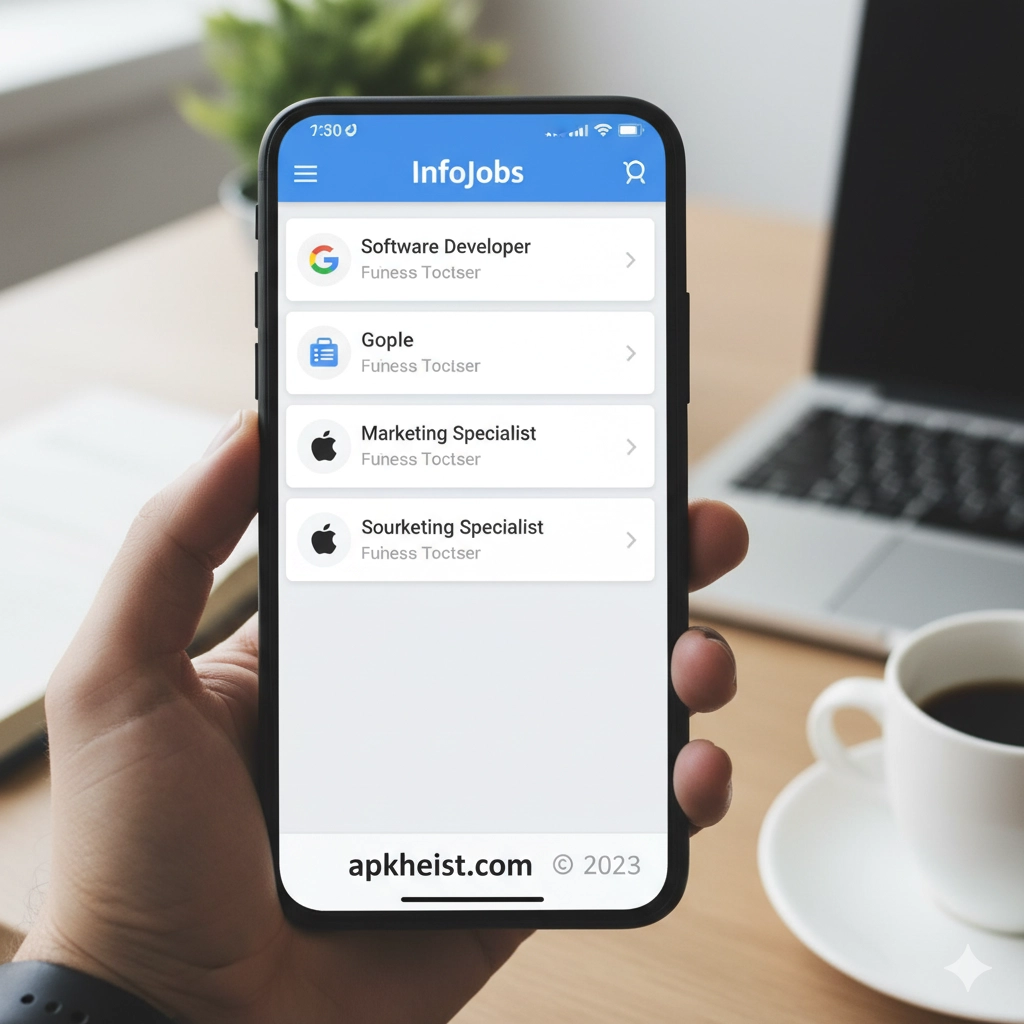
Extended Introduction: In today’s highly competitive employment landscape, speed and precision are critical. The InfoJobs App transforms traditional job hunting into a dynamic, mobile-first experience. With advanced filtering algorithms, intelligent job recommendations, CV profile optimization tools, and direct communication channels with recruiters, the platform allows candidates to manage their entire employment lifecycle from a single interface. Whether you are an entry-level graduate, a mid-career professional, or a specialized expert, the InfoJobs App integrates labor market intelligence with user-centric design to maximize job matching accuracy and reduce time-to-hire. Much like the Stepstone Job App: The Smart Way to , it emphasizes efficiency and accessibility, but with its own regional strengths and recruitment ecosystem.
Table of Contents
1. Core Features of the InfoJobs App – A breakdown of essential tools and functionalities.
2. How the Matching Algorithm Works – Understanding personalized job recommendations.
3. Creating a High-Impact Profile – Optimizing your CV for recruiter visibility.
4. Application Tracking and Status Updates – Monitoring your candidacy in real time.
5. Job Alerts and Notifications Strategy – Leveraging automation to stay ahead.
6. Comparing InfoJobs with Other Career Apps – Market positioning and advantages.
7. Security, Privacy, and Data Protection – Safeguarding user information.
8. Tips to Increase Interview Invitations – Tactical improvements for better response rates.
9. Mobile Optimization and User Experience – Why the app design improves productivity.
10. Who Should Use the InfoJobs App? – Identifying ideal user profiles.
1. Core Features of the InfoJobs App
The InfoJobs App offers advanced search filters including salary range, contract type, industry classification, geographic radius, and experience level. Users can upload multiple CV versions tailored to different industries. The built-in messaging system facilitates direct communication with recruiters, eliminating unnecessary delays. Additionally, integrated analytics allow users to see how many employers have viewed their applications, similar to professional tracking tools found in the UKG Pro App: Is It the Ultimate Workfor ecosystem. These features collectively streamline candidate-employer interactions.
2. How the Matching Algorithm Works
The platform leverages keyword parsing, competency mapping, and behavioral interaction data to generate customized job recommendations. By analyzing previous searches, saved listings, and application patterns, the algorithm refines suggestions over time. This predictive matching mechanism reduces irrelevant listings and improves application efficiency.
3. Creating a High-Impact Profile
A well-optimized profile significantly increases recruiter engagement. The InfoJobs App encourages structured skill tagging, quantified achievements, and updated availability status. Users who provide detailed professional summaries and measurable accomplishments often outperform generic profiles in search rankings.
4. Application Tracking and Status Updates
The real-time tracking dashboard allows candidates to monitor whether their CV has been viewed, shortlisted, or rejected. This transparency enhances strategic follow-ups and reduces uncertainty during the hiring process.

5. Job Alerts and Notifications Strategy
Automated alerts notify users immediately when new positions match their criteria. Setting refined parameters ensures high-quality notifications rather than overwhelming volume. Similar alert systems are also seen in digital workforce platforms like the MoreApp Forms App: The Smart Way to , where automation drives productivity.
6. Comparing InfoJobs with Other Career Apps
Compared to platforms that focus solely on networking or enterprise HR management, InfoJobs prioritizes direct job placement efficiency. While tools like the AppStart App: The Smart Launchpad for focus on app management ecosystems, InfoJobs concentrates exclusively on recruitment optimization and labor market alignment.
7. Security, Privacy, and Data Protection
The application incorporates encrypted data transmission and controlled profile visibility settings. Users can manage who sees their CV and whether their current employer can access their information, ensuring professional discretion.
8. Tips to Increase Interview Invitations
To improve callback rates, tailor each application with keyword alignment to the job description. Activate job alerts during peak hiring seasons and maintain an updated CV. Cross-referencing strategies from career platforms such as the Georgia Power App: The Smart Way to —which emphasizes user dashboard clarity—can inspire better organization in tracking multiple applications.
9. Mobile Optimization and User Experience
The interface is designed for rapid navigation, minimal load times, and intuitive categorization. Swipe-based browsing and one-tap applications reduce friction, making job searching efficient even during short time intervals.
10. Who Should Use the InfoJobs App?
The platform is ideal for active job seekers, passive candidates exploring opportunities, freelancers seeking contracts, and professionals relocating to new regions. It accommodates diverse employment types from internships to executive roles.
Frequently Asked Questions (FAQ)
1. Is the InfoJobs App free to use?
Yes, downloading and applying for jobs is free for candidates. Certain premium visibility features may be offered optionally.
2. How do I increase my profile visibility?
Complete all profile sections, update your CV regularly, and respond promptly to recruiter messages.
3. Can I apply for multiple jobs simultaneously?
Yes, there is no restriction on the number of applications you can submit.
4. Does the app notify me if my CV is viewed?
Yes, users receive status updates when employers review their applications.
5. Is my current employer able to see my profile?
You can adjust privacy settings to restrict visibility and maintain confidentiality.
6. Can I edit my CV after submitting an application?
You may update your profile at any time, but changes will not retroactively modify previously submitted applications.
7. Does InfoJobs support remote job searches?
Yes, filters allow users to search specifically for remote or hybrid opportunities.
8. How often are job listings updated?
Listings are updated continuously as employers post new opportunities.
9. Is the InfoJobs App suitable for recent graduates?
Absolutely. The platform includes internships, entry-level roles, and training contracts.
10. What makes InfoJobs different from other job apps?
Its localized market focus, advanced filtering precision, and transparent application tracking system differentiate it within the digital recruitment landscape.





