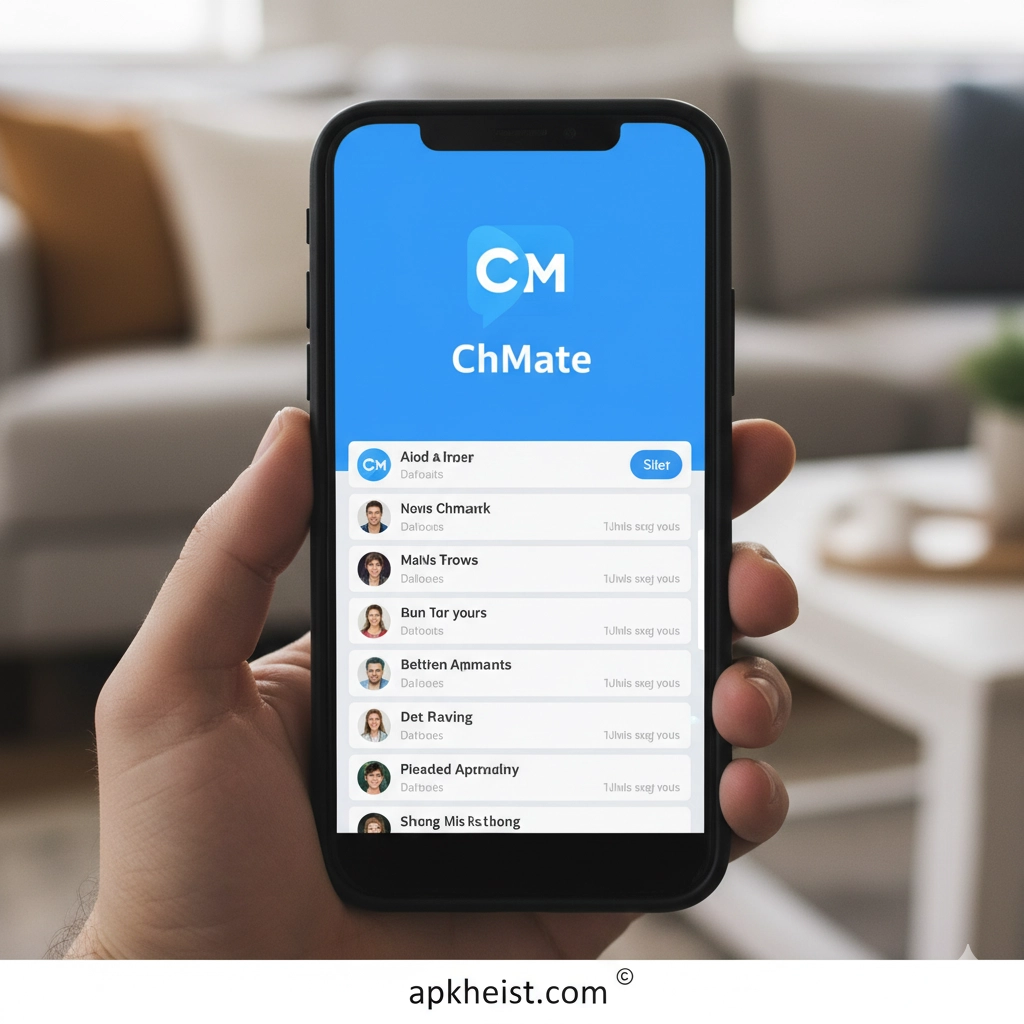
The ChMate app offers an expanded feature set that supports heavy forum users, enabling deep customization, advanced filtering, and long-term content management. Its interface is optimized for users who want control, efficiency, and a seamless reading experience without unnecessary distractions. This makes it especially valuable for anyone engaging with large, complex forums or high-volume content streams.
U-Watch App: Is This the Smartest Way
RealmCraft Game: A Complete Exploratio
Below is a structured guide that breaks down all essential aspects of the ChMate app.
A summary of the most important functional capabilities inside the ChMate app.
An overview of the tools you can use to tailor your browsing interface.
How ChMate organizes threads, bookmarks, and long-term reading.
1. Core Features
The ChMate app consolidates browsing, thread reading, and forum interaction into a single streamlined interface. It leverages advanced filtering so users can hide unwanted posts, highlight key comment chains, and follow specific users or topics with precision. The application supports background sync, allowing conversations and new posts to load even when you're not directly using the interface. For readers who navigate large forums, this significantly improves continuity and reduces search time. The app also includes integrated notifications, long-page caching, offline viewing, and automatic content alignment, all designed to replicate desktop-level capabilities in a mobile environment. Its speed and accuracy in rendering high-volume discussions make it a preferred tool among power users.
2. Customization Options
One of the defining strengths of the ChMate app is its extensive customization framework. Users can modify themes, font sizes, layout density, scrolling behavior, and interaction patterns. The app supports importable and exportable settings, enabling you to apply the same configuration across multiple devices. Color tagging, user filtering, and rule-based highlights can be applied across threads, ensuring that key contributors or important information remain visible. Additionally, ChMate offers per-board and per-thread configuration profiles, letting you structure the reading environment differently depending on the content type. This level of adaptation provides a tailored environment for everyday browsing, long reading sessions, or quick skimming.
3. Content Management Tools
ChMate excels in content longevity and organizational control. Users can bookmark threads, create persistent watch lists, archive important discussions, and maintain a structured reading history. The app is capable of handling large volumes of saved data without performance degradation. Thread update indicators, post-tracking markers, and syncing tools help readers identify what has changed since their last visit. Sorting mechanisms allow content to be grouped by time, importance, or posting activity. These management features enable systematic monitoring of active communities and prevent users from losing track of fast-moving conversations. For long-time forum readers, this functionality reduces friction and eliminates the need to manually track updates across multiple boards.

Frequently Asked Questions About the ChMate App
What devices support the ChMate app?
The ChMate app is available for Android devices and runs efficiently on both older hardware and modern smartphones, thanks to its lightweight architecture.
Is the ChMate app suitable for large forum communities?
Yes. The app is built specifically to manage large forums with high posting frequency, offering advanced filtering, bookmarking, and update-tracking tools.
Does the ChMate app offer offline reading?
ChMate supports offline caching, allowing previously loaded content and threads to be viewed without an internet connection.





