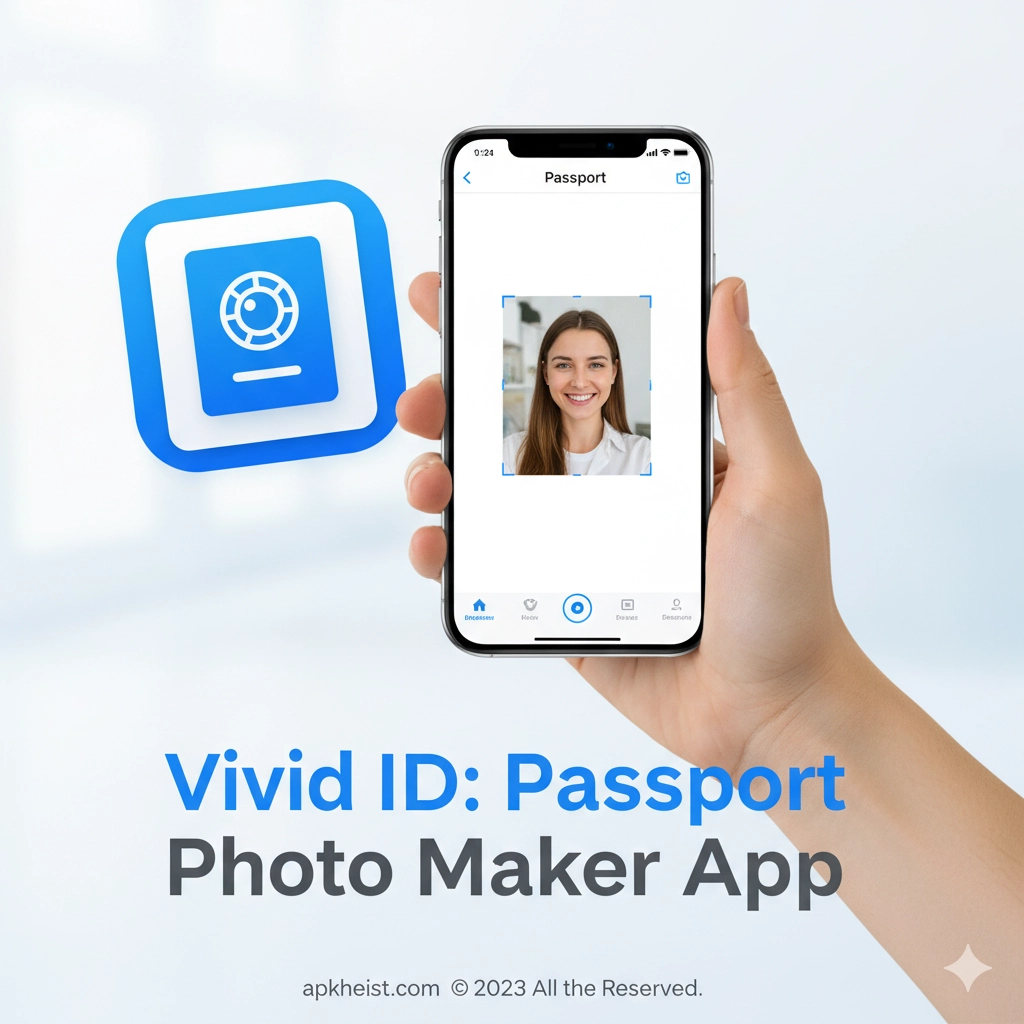
In today’s fast-paced digital environment, official documents still require strict photo standards. Vivid ID: Passport Photo Maker App bridges this gap by combining intelligent photo detection, automatic background correction, and country-specific size presets. Whether you are applying for a passport, visa, driver’s license, or work permit, the app simplifies the entire process and ensures accuracy, convenience, and reliability.
Quick Navigation
1. Smart AI Face Detection – Automatically aligns your face for compliance.
2. Country-Specific Photo Standards – Supports global passport requirements.
3. Background Removal and Enhancement – Clean, professional results instantly.
4. Printing and Digital Export Options – Flexible output formats.
5. Who Should Use Vivid ID? – Ideal users and use cases.
1. Smart AI Face Detection
Vivid ID: Passport Photo Maker App leverages advanced AI algorithms to detect facial landmarks such as eyes, chin, and head position. This ensures that your face is correctly centered, properly scaled, and aligned according to official ID photo regulations. The AI minimizes common errors like tilted heads, incorrect proportions, or poor framing, which are frequent causes of application rejection.
2. Country-Specific Photo Standards
One of the strongest advantages of Vivid ID: Passport Photo Maker App is its extensive database of country-specific photo standards. Users can select their destination country, and the app automatically applies the correct dimensions, background color, and facial expression rules. This feature is especially useful for frequent travelers, students, and professionals handling multiple international applications.
TouchTunes: Live Bar Jukebox App
3. Background Removal and Enhancement
The app includes an intelligent background removal system that replaces cluttered or inconsistent backgrounds with clean, regulation-approved colors. Vivid ID: Passport Photo Maker App maintains natural lighting and skin tone while eliminating shadows, making the final image suitable for both digital submission and physical printing.
AIMP App: A Powerful and Lightweight Music

4. Printing and Digital Export Options
After editing, Vivid ID: Passport Photo Maker App allows users to export photos in high-resolution digital formats or arrange them on standard print templates. This makes it easy to print photos at home or at local photo kiosks, saving both time and money compared to traditional studios.
Phone Case DIY - Tie Dye Games: Design
5. Who Should Use Vivid ID?
Vivid ID: Passport Photo Maker App is ideal for travelers, students, remote workers, families, and anyone needing official ID photos quickly. It is also useful for users in regions where photo studios are limited or expensive. The app empowers users to stay compliant while maintaining full control over the photo creation process.
Frequently Asked Questions
FAQ 1: Is Vivid ID: Passport Photo Maker App accepted by official authorities?
Yes, the app follows official photo guidelines for many countries, making the generated photos suitable for passports, visas, and other government documents when used correctly.
FAQ 2: Can I use Vivid ID: Passport Photo Maker App at home?
Absolutely. The app is designed for home use and works with standard smartphone cameras and simple lighting conditions.
FAQ 3: Does the app support multiple document types?
Vivid ID: Passport Photo Maker App supports passports, visas, ID cards, driver’s licenses, and other official document photo formats.
FAQ 4: Are digital photos suitable for online applications?
Yes, the app exports high-resolution digital images optimized for online submission portals.
FAQ 5: Is prior photography experience required?
No. The intuitive interface and AI guidance make Vivid ID: Passport Photo Maker App accessible to beginners and non-technical users.





