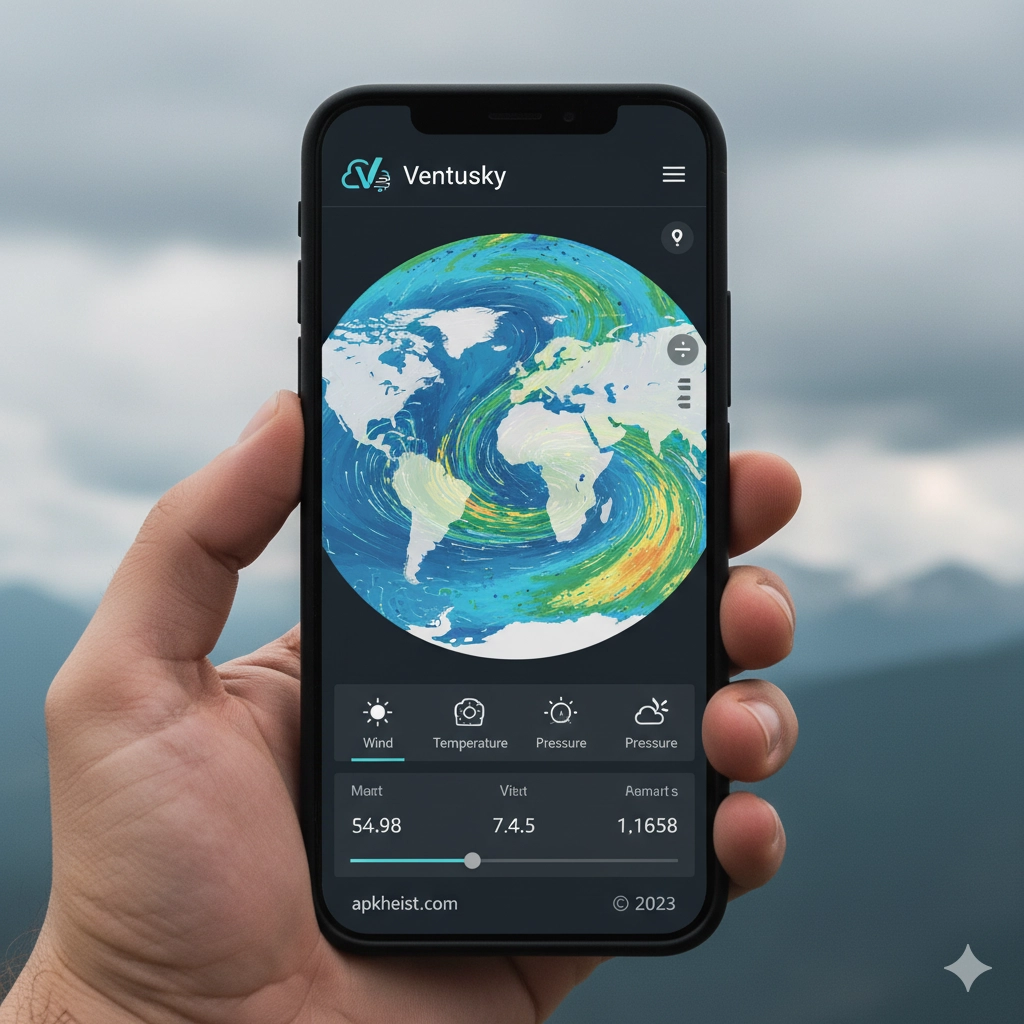
Detailed Introduction: The Ventusky App stands out in the crowded weather app market by offering visually immersive, data-rich weather forecasting. Instead of relying on static icons or simple temperature readings, Ventusky provides dynamic wind maps, precipitation layers, temperature gradients, and pressure systems in real time. Designed for both casual users and weather enthusiasts, it allows users to explore global weather patterns with precision. Whether you're tracking storms, planning travel, or simply curious about atmospheric behavior, Ventusky delivers an advanced yet intuitive experience.
1. What Makes Ventusky App Unique – Discover the core features that set it apart.
2. Real-Time Weather Visualization – Learn how live data enhances accuracy.
3. User Interface and Navigation – Explore its intuitive design.
4. Advanced Weather Layers Explained – Dive into technical weather maps.
5. Use Cases for Travelers and Professionals – Practical applications of the app.
6. Comparison with Other Weather Apps – See how it stacks up.
1. What Makes Ventusky App Unique
Ventusky App differentiates itself through its interactive weather map system. Unlike traditional apps that provide forecast summaries, Ventusky overlays multiple atmospheric variables onto a global map. Users can visualize wind currents, rainfall intensity, cloud coverage, and temperature in motion. This dynamic approach allows for deeper understanding of weather patterns, making it especially valuable for users who want more than just daily forecasts.
2. Real-Time Weather Visualization
The app integrates real-time meteorological data from reliable global sources. Users can watch weather systems evolve hour by hour, offering a predictive edge. This feature is particularly useful for monitoring storms or planning outdoor activities. The smooth animation of wind and precipitation layers provides a near-simulation of atmospheric behavior.
For alternative tools, you may also explore Weather Live App: The Ultimate Real-Time Companion or 1Weather App: The Smart Way to Stay Ahead.
3. User Interface and Navigation
Ventusky offers a clean and intuitive interface despite its complex data layers. Users can easily switch between weather parameters such as wind, temperature, and precipitation using simple controls. Zooming into specific regions reveals localized forecasts with impressive detail, making it accessible even for beginners.

4. Advanced Weather Layers Explained
The app includes multiple advanced layers such as wind speed, gusts, air pressure, humidity, and snow cover. Each layer is color-coded and animated for clarity. These features are especially beneficial for meteorology enthusiasts or professionals who need in-depth weather analysis.
If you're interested in similar apps, check out Seabreeze Weather App or Meteo.it App Guide.
5. Use Cases for Travelers and Professionals
Ventusky is widely used by travelers, pilots, sailors, and outdoor planners. Its precise forecasts help users avoid severe weather conditions and optimize travel schedules. Professionals benefit from its detailed atmospheric insights, while casual users enjoy its visually engaging format.
6. Comparison with Other Weather Apps
Compared to standard apps, Ventusky excels in data visualization and depth. While apps like DailyWeather focus on simplicity, Ventusky targets users who want a comprehensive view of weather systems. It bridges the gap between professional meteorological tools and consumer-friendly apps.
FAQ Section
1. Is Ventusky App free to use?
Yes, Ventusky offers a free version with essential features, while premium options unlock additional layers and tools.
2. How accurate is Ventusky weather data?
The app uses data from trusted meteorological models, providing high accuracy for both short-term and long-term forecasts.
3. Can beginners use Ventusky easily?
Yes, despite its advanced features, the interface is designed to be user-friendly and accessible.
4. Does Ventusky work offline?
No, it requires an internet connection to fetch real-time weather data.
5. What devices support Ventusky App?
Ventusky is available on web browsers, Android, and iOS devices.
6. Is Ventusky suitable for professional use?
Yes, many professionals use it for its detailed and dynamic weather visualization capabilities.





