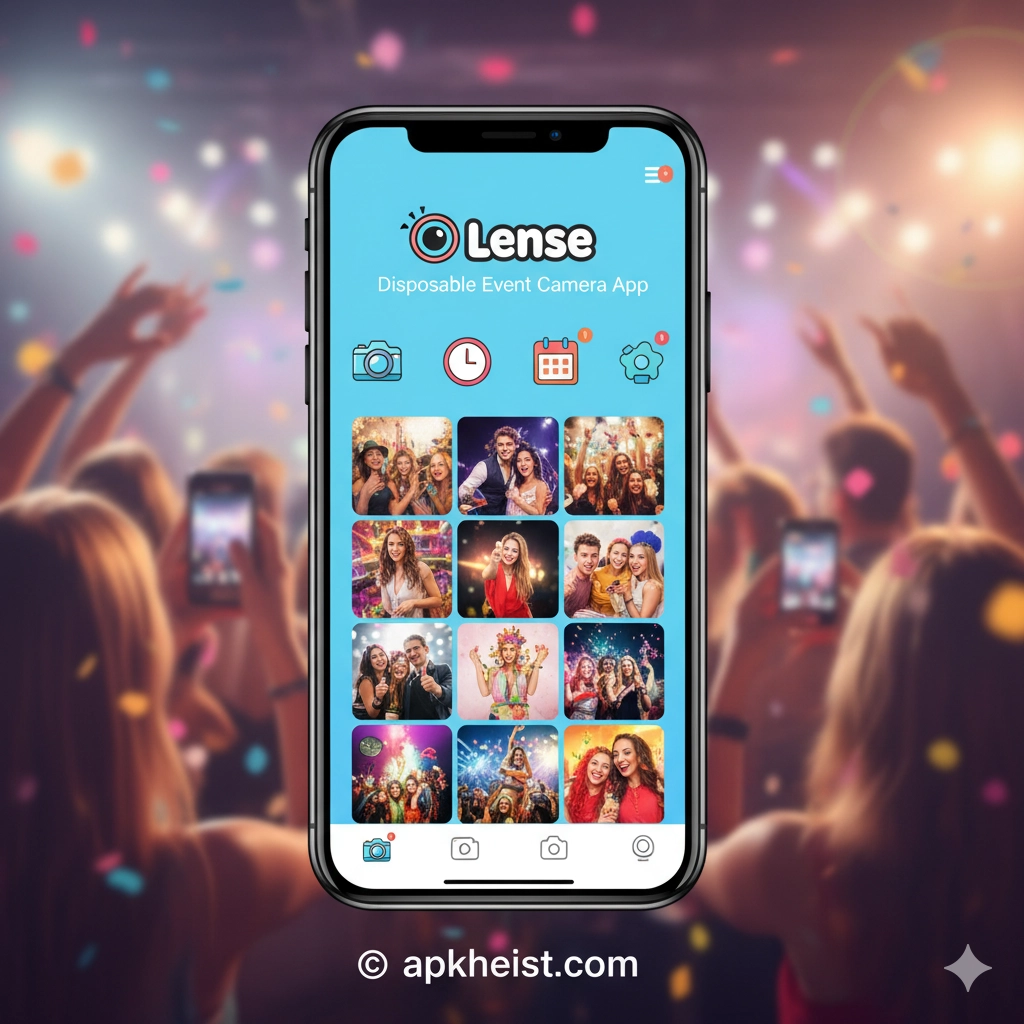
Extended Introduction: In an era dominated by high-resolution smartphone cameras and endless editing tools, Lense: Disposable Event Camera App offers a refreshing twist by simulating the nostalgic experience of disposable photography. Designed for weddings, parties, travel adventures, and social gatherings, the app encourages spontaneity and real-time sharing without overthinking edits. By limiting shots and adding delayed viewing features, it creates excitement, authenticity, and emotional storytelling that modern photography often lacks.
Table of Contents:
1. What is Lense: Disposable Event Camera App? – Understanding the concept behind the app
2. Key Features That Make Lense Unique – Explore standout functionalities
3. Why Disposable Camera Style is Trending – The rise of retro digital experiences
4. Best Use Cases for Lense – Events where the app shines
5. User Experience and Interface – How easy it is to use
6. Tips to Get the Most Out of Lense – Practical advice for users
1. What is Lense: Disposable Event Camera App?
Lense is a mobile application that mimics the experience of using a disposable camera. Instead of snapping unlimited photos, users are given a limited number of shots, creating intentionality and excitement. Photos are often locked until a certain time or event ends, which adds anticipation and surprise. This design philosophy emphasizes authenticity over perfection, making it ideal for capturing real emotions during events.
2. Key Features That Make Lense Unique
The app offers several innovative features, including shot limits, delayed photo reveals, collaborative albums, and event-based sharing. Users can invite friends to contribute to a shared album, turning events into collective storytelling experiences. Unlike traditional camera apps, Lense removes filters and editing pressure, ensuring that every captured moment feels genuine and unfiltered.
3. Why Disposable Camera Style is Trending
The resurgence of disposable-style photography reflects a broader shift toward authenticity in digital culture. People are increasingly tired of curated social media perfection and are seeking raw, real moments. Apps like Lense tap into nostalgia while aligning with modern social behaviors. This trend is similar to the growing interest in apps featured in Kissy-Video Chat Social App: Connect, Cha and Meow - Real Dating App: A Modern Platform, where authenticity drives engagement.

4. Best Use Cases for Lense
Lense excels in scenarios where candid moments matter most. Weddings, birthday parties, corporate events, travel trips, and festivals are perfect use cases. Instead of relying on professional photographers alone, guests can contribute unique perspectives. Similar to how platforms like Up4adate: Date Nearby & Dine App – Conn encourage real-life interaction, Lense enhances shared experiences through collaborative memory creation.
5. User Experience and Interface
The interface is intentionally minimalistic. Users open the app, take photos, and wait for the reveal. This simplicity reduces friction and encourages participation from all age groups. The onboarding process is straightforward, making it accessible even for non-tech-savvy users. Compared to feature-heavy apps, Lense focuses on emotional value rather than technical complexity.
6. Tips to Get the Most Out of Lense
To maximize your experience, use Lense in well-lit environments, embrace spontaneity, and avoid overthinking each shot. Encourage group participation to diversify perspectives. You can also explore complementary apps like AceSpace: Connecting Hearts and Friendsh and Chamee — Make Friends & Chat App: You to enhance your social and event-based interactions.
FAQs about Lense: Disposable Event Camera App
1. Is Lense free to use?
Lense typically offers a free version with basic features, while premium options may unlock additional event tools and customization settings.
2. Can multiple users contribute to one event album?
Yes, Lense supports collaborative albums where multiple participants can upload photos to a shared event space.
3. Are photos editable after capture?
No, the app emphasizes authenticity, so editing features are limited or intentionally excluded.
4. When can I view my photos?
Photos are usually revealed after the event ends or after a set time, adding excitement and anticipation.
5. Is Lense suitable for professional events?
Absolutely. It complements professional photography by capturing candid, behind-the-scenes moments.
6. How does Lense compare to traditional camera apps?
Unlike standard apps, Lense prioritizes storytelling, limitation, and emotional engagement over technical perfection.
ToolsEntertainmentCommunicationSocialMusic & AudioPhotographyVideo Players & EditorsProductivityLifestyleEvents





