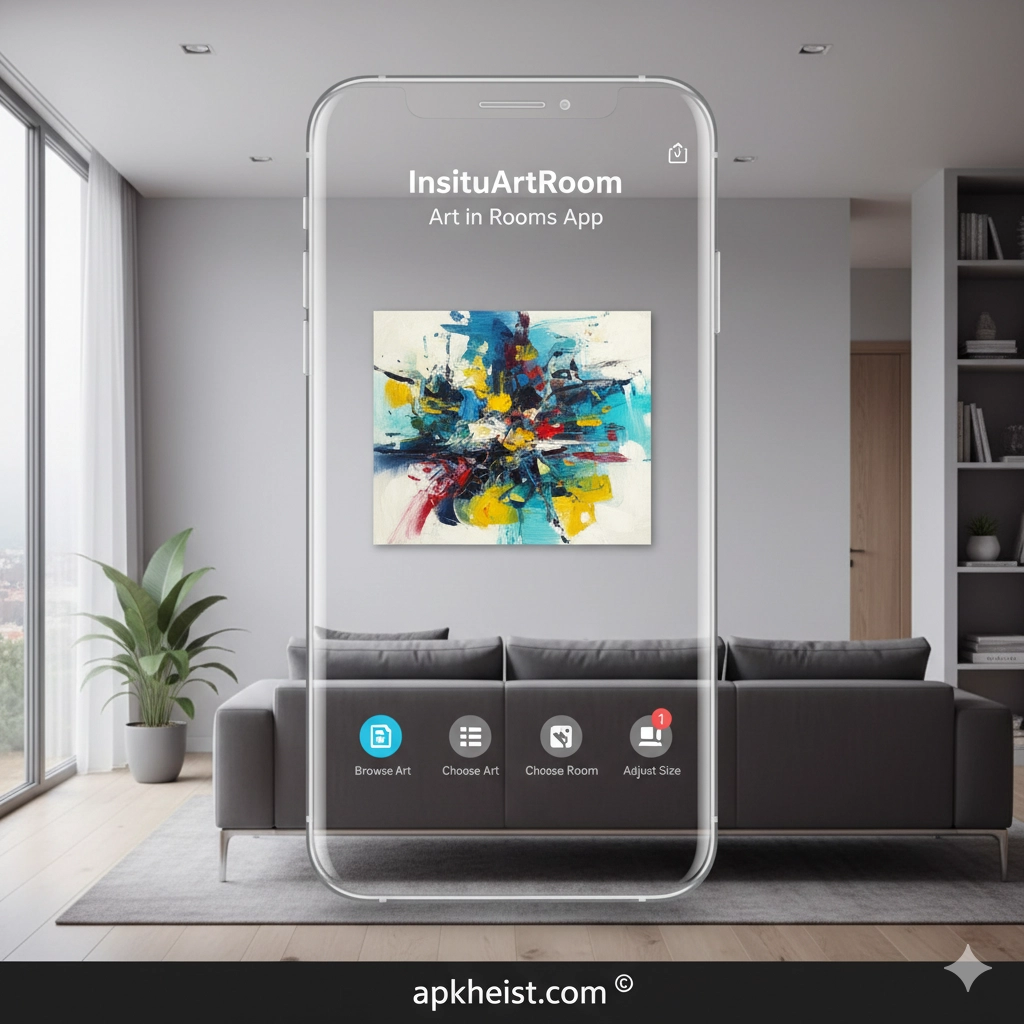
This platform bridges interior design and digital art placement, enabling designers, homeowners, and galleries to simulate realistic room aesthetics before making physical changes. It integrates spatial mapping, AR rendering, and interactive layout control into a single ecosystem.
Zen Brush App: Digital Ink Painting
Assemblr Studio App: AR Experiences
Introduction to AR Room Art Visualization
InsituArtRoom introduces a structured AR-based workflow that transforms any physical room into a digital canvas. Users can project paintings, sculptures, and decorative elements onto walls and surfaces with high spatial accuracy. The system relies on real-time camera tracking and environmental understanding to maintain scale consistency and perspective realism.
By combining interior design principles with augmented reality, the app eliminates guesswork in art placement decisions. It allows users to preview multiple aesthetic configurations instantly, improving both creative exploration and practical decision-making efficiency.
1. Core AR Visualization Engine2. Interior Design Workflow Integration3. Art Placement System4. Room Mapping Technology5. Collaboration Features6. Performance Optimization7. Real-World Use Cases8. Future of AR Art Design
1. Core AR Visualization Engine
The core AR engine of InsituArtRoom is responsible for rendering high-fidelity digital assets within real-world environments. It utilizes device sensors, SLAM (Simultaneous Localization and Mapping), and depth estimation algorithms to ensure spatial accuracy.
This engine supports dynamic lighting adaptation, meaning artworks appear naturally integrated into the room’s existing illumination conditions. The result is a highly realistic preview of how art pieces will look in physical space.
Birthday Photo Frame App: Creative Visual Design
2. Interior Design Workflow Integration
The app is designed to fit seamlessly into professional interior design workflows. Users can import room layouts, apply stylistic themes, and test different art arrangements before finalizing a design concept.
This reduces costly trial-and-error in real-world installations and allows designers to present clients with immersive previews that closely match final outcomes.

3. Art Placement System
The art placement system enables precise positioning of digital artworks on walls, floors, and spatial planes. Users can adjust scale, rotation, and depth perception interactively.
This system supports multiple art styles, including abstract compositions, photography, and framed visual content. Each piece is anchored in 3D space to maintain stability during movement.
4. Room Mapping Technology
Room mapping in InsituArtRoom relies on environmental scanning to build a digital representation of physical interiors. This includes wall detection, floor plane recognition, and object segmentation.
The resulting spatial model ensures that all virtual elements align naturally with real-world geometry, improving immersion and usability for design professionals.
Vidu App: Smart Creation Tools
5. Collaboration Features
The collaboration system allows multiple users to interact with the same virtual room project. Designers, clients, and artists can leave feedback, adjust placements, and review design iterations in real time.
This feature streamlines communication and reduces misunderstandings during creative development cycles, especially in commercial or gallery environments.
6. Performance Optimization
To ensure smooth performance across devices, the app uses adaptive rendering techniques. It dynamically adjusts texture resolution, shadow complexity, and frame rate based on hardware capabilities.
This guarantees stable AR experiences even on mid-range smartphones without compromising visual quality.
7. Real-World Use Cases
InsituArtRoom is widely applicable in residential design, commercial staging, and art exhibitions. Homeowners can preview wall art before purchase, while galleries can simulate exhibition layouts digitally.
It is also used in educational environments where students learn spatial composition and visual design principles interactively.
8. Future of AR Art Design
The future of AR-based art design lies in deeper AI integration and more immersive spatial computing. InsituArtRoom is expected to evolve toward predictive design systems that automatically suggest optimal art placements based on room aesthetics.
As AR hardware becomes more advanced, the boundary between physical and digital interior design will continue to blur, creating fully interactive creative environments.
Frequently Asked Questions
What is InsituArtRoom used for?
It is used for visualizing and placing digital art in real-world rooms using augmented reality, primarily for interior design and spatial planning.
Does InsituArtRoom require special hardware?
No special hardware is required beyond a compatible smartphone with a camera and AR support capabilities.
Can I use it for professional interior design projects?
Yes, it is suitable for both personal and professional workflows, including client presentations and spatial planning.
Does it support real-time collaboration?
Yes, multiple users can collaborate on the same project and view updates in real time.
Is the AR placement accurate?
Yes, it uses advanced spatial mapping and tracking to ensure accurate scaling and positioning of virtual objects.
Can it be used for gallery or exhibition planning?
Yes, it is commonly used to simulate exhibition layouts and optimize artwork placement before physical setup.





