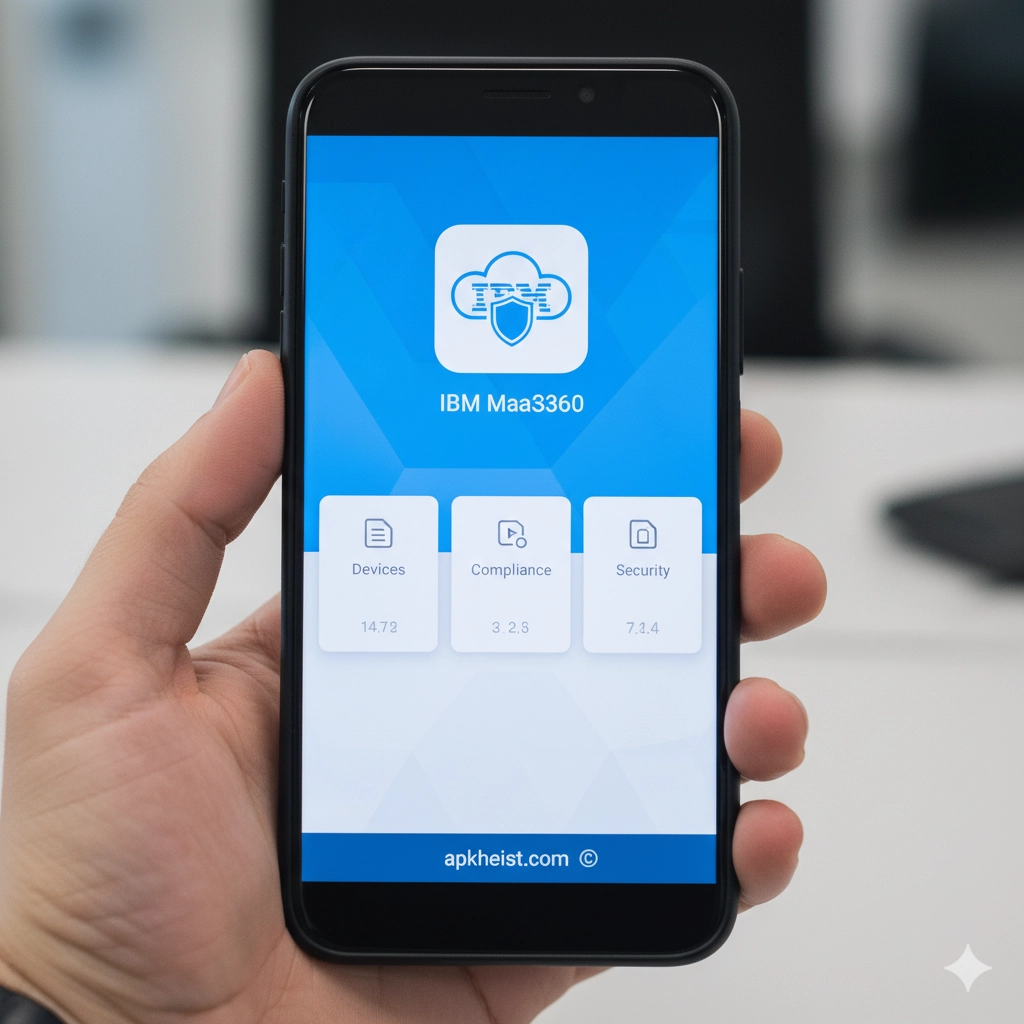
The IBM MaaS360 App, developed by IBM, delivers a comprehensive Unified Endpoint Management (UEM) framework that supports smartphones, tablets, laptops, desktops, and IoT devices. As remote work, BYOD policies, and hybrid infrastructures continue to expand, businesses require advanced security controls, AI-driven threat detection, and simplified device lifecycle management. IBM MaaS360 integrates identity management, mobile threat defense, application management, and compliance enforcement into one centralized cloud-based console. It empowers IT administrators to enforce policies, automate workflows, and maintain regulatory compliance while ensuring seamless user productivity across distributed environments.
Table of Contents
1. Unified Endpoint Management Capabilities – Centralized control across multiple device types and operating systems.
2. AI-Driven Security and Threat Intelligence – Advanced analytics powered by cognitive computing.
3. Mobile Application Management (MAM) – Secure distribution and lifecycle governance of enterprise apps.
4. Zero Trust Access Integration – Conditional access policies and identity-based controls.
5. Compliance and Regulatory Governance – Automated enforcement for industry standards.
6. Deployment Models and Scalability – Cloud-native flexibility for enterprises of all sizes.
1. Unified Endpoint Management Capabilities
The IBM MaaS360 App provides full-spectrum Unified Endpoint Management (UEM), enabling IT teams to manage iOS, Android, Windows, macOS, and rugged devices within a single dashboard. Administrators can configure device enrollment methods including zero-touch deployment, QR-based provisioning, and bulk configuration. Policies governing encryption, passcodes, VPN settings, Wi-Fi profiles, and device restrictions can be applied granularly across user groups.
Lifecycle management is streamlined through automated provisioning, real-time monitoring, remote troubleshooting, and secure device retirement. Whether organizations operate in healthcare, finance, logistics, or education sectors, centralized endpoint visibility reduces administrative overhead while increasing operational resilience.
2. AI-Driven Security and Threat Intelligence
Security is at the core of the IBM MaaS360 App architecture. Leveraging AI-powered analytics, the platform continuously evaluates device risk posture, network anomalies, and suspicious behavior patterns. Threat detection engines identify malware, phishing attempts, insecure configurations, and compromised networks before they escalate into breaches.
Risk scoring models allow administrators to enforce automated remediation workflows, such as quarantining devices or restricting access to corporate resources. Integration with identity providers enhances contextual access decisions, ensuring only compliant and trusted endpoints connect to enterprise systems.
3. Mobile Application Management (MAM)
Through Mobile Application Management, organizations can securely distribute internal apps, manage public app deployments, and implement containerization for corporate data. Administrators can define app-level VPN rules, restrict data sharing between managed and unmanaged applications, and enforce app version compliance.
Enterprises managing distributed teams—similar to platforms discussed in WB Manager App: The Ultimate Workforce—benefit from centralized oversight of business-critical tools, ensuring secure collaboration without compromising productivity.

4. Zero Trust Access Integration
The IBM MaaS360 App aligns with Zero Trust security frameworks by implementing conditional access policies based on device posture, geolocation, user identity, and risk score. Devices that fail compliance checks can be automatically blocked or restricted to limited access environments.
This granular approach minimizes lateral threat movement and supports hybrid infrastructures. Organizations transitioning toward modern workforce ecosystems—much like digital productivity platforms such as UKG Pro App: Is It the Ultimate Workfor—can integrate MaaS360 to strengthen device-level security controls.
5. Compliance and Regulatory Governance
Regulatory compliance is critical across industries handling sensitive data. IBM MaaS360 supports frameworks such as GDPR, HIPAA, and industry-specific mandates through configurable policy enforcement and audit logging. Detailed reporting dashboards provide compliance status insights, device inventory logs, and historical security events.
Automated alerts ensure deviations are identified in real time, reducing the risk of penalties and reputational damage. Administrators can generate exportable compliance reports suitable for regulatory audits and executive review.
6. Deployment Models and Scalability
IBM MaaS360 is delivered primarily as a cloud-native SaaS solution, enabling rapid deployment and global scalability. Enterprises can onboard thousands of endpoints without investing in on-premise infrastructure. Role-based access control (RBAC) allows segmentation of administrative responsibilities across departments and geographies.
Its scalable architecture supports multinational enterprises, startups, and government agencies seeking secure digital transformation. Organizations exploring broader digital ecosystems—similar to business application environments found in MoreApp Forms App: The Smart Way to —can integrate MaaS360 as a foundational security layer.
Frequently Asked Questions (FAQ)
1. What is IBM MaaS360 App primarily used for?
The IBM MaaS360 App is primarily used for Unified Endpoint Management (UEM), enabling organizations to manage, secure, and monitor corporate and BYOD devices from a centralized cloud console.
2. Does IBM MaaS360 support both Android and iOS devices?
Yes. The platform supports Android, iOS, Windows, macOS, and other operating systems, allowing cross-platform management within a unified administrative framework.
3. How does IBM MaaS360 enhance enterprise security?
It enhances security through AI-driven threat detection, compliance monitoring, encrypted communications, conditional access enforcement, and automated remediation workflows.
4. Is IBM MaaS360 suitable for small businesses?
Yes. While designed for enterprise-grade scalability, its cloud-based architecture makes it suitable for small and medium-sized businesses seeking structured device governance and data protection.
5. Can IBM MaaS360 integrate with identity providers?
Yes. It integrates with identity and access management systems to enable Zero Trust security strategies and conditional access controls based on real-time device risk assessment.
6. Does IBM MaaS360 support remote troubleshooting?
Yes. Administrators can remotely lock, wipe, configure, and troubleshoot devices to ensure business continuity and protect sensitive enterprise data.
Conclusion: The IBM MaaS360 App stands as a comprehensive endpoint security and mobility management solution, delivering advanced governance, scalable deployment, and AI-enhanced protection for organizations navigating complex digital transformation initiatives.





