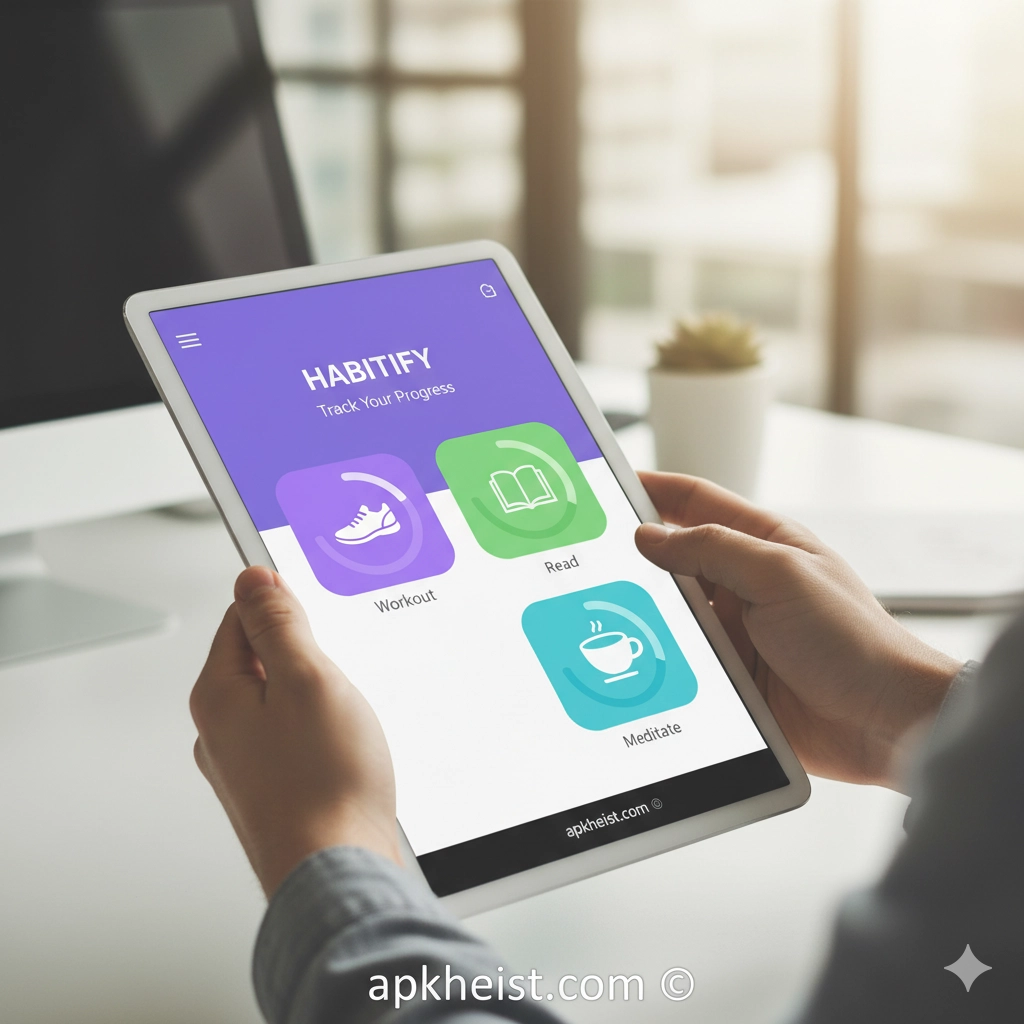
Long intro: Whether you are creating a morning ritual, training for a new skill, or breaking a bad habit, Habitify centralizes habit creation, scheduling, and review in a single workflow. The app emphasizes simplicity and behavioral design: add a habit in seconds, choose the days and times it should appear, and rely on gentle reminders and progress analytics to sustain momentum. Habitify supports habit streaks, time-of-day scheduling, and optional notes for each habit instance, making it suitable for users who value both ease-of-use and actionable metrics. In this article we explore Habitify’s core features, how to integrate it into different productivity systems, common usage patterns, and advanced tips for long-term habit maintenance.
Navigation (quick overview of sections):
1. Habit setup & simplicity — A short description of how Habitify makes habit creation effortless and unobtrusive. (See section #sec1)
2. Scheduling & reminders — How Habitify handles recurrence, flexible scheduling, and smart reminders. (See section #sec2)
3. Progress tracking & analytics — Visualizing streaks, completion rates, and weekly summaries. (See section #sec3)
4. Integrations & cross-device sync — Sync across devices and connect to calendars or other tools. (See section #sec4)
5. Habit stacks & routines — Combine small habits into routines and the psychology behind stacking. (See section #sec5)
6. Use cases & templates — Concrete templates for fitness, learning, wellness, and work habits. (See section #sec6)
7. Tips for long-term adherence — Habit design, dealing with lapses, and rewarding progress. (See section #sec7)
Below, each section is explored in depth. Selected related resources are embedded as plain links throughout the text to support further reading: https://apkheist.com/articles/how-does-the-motion-tasks-amp-ai-scheduling-app-transform-daily-productivity-, https://apkheist.com/articles/discover-the-power-of-gp-chat-ai-powered-by-chatgpt-app, https://apkheist.com/articles/discover-the-power-of-bloapp-app-your-ultimate-productivity-companion, https://apkheist.com/articles/pdf-viewer-amp-book-reader-app-the-complete-guide-to-reading-managing-and-annotating-digital-books, https://apkheist.com/articles/setmore-appointment-scheduling-app-smart-simple-booking-for-small-teams, https://apkheist.com/articles/poe-app-the-practical-guide-to-getting-more-from-ai-conversations, https://apkheist.com/tools/
1. Habit setup & simplicity
Habitify’s primary strength is its onboarding for habit creation: add a title, choose an icon or color, set the frequency, and optionally add a start date or reminder time. This flow is intentionally short to reduce the friction that causes people to abandon tracking. The app’s UI emphasizes “today” — a focused view that surfaces only the habits relevant to the current date and time window. For users migrating from more complex task managers, Habitify strips unnecessary options and presents only the essential controls for habit adherence: check/uncheck, snooze a reminder, and view quick statistics. Simplicity here is not a lack of features but a deliberate product decision: lower friction yields higher long-term compliance. If you want to pair habit tracking with a task-based daily planner, examine integrations or workflows that place Habitify alongside calendaring apps or AI scheduling tools (see: https://apkheist.com/articles/how-can-the-caho-calendar-schedule-planner-app-transform-your-daily-productivity- and https://apkheist.com/articles/setmore-appointment-scheduling-app-smart-simple-booking-for-small-teams for complementary scheduling perspectives).
2. Scheduling & reminders
Habitify provides multiple scheduling options: daily, specific weekdays, interval-based schedules (every N days), and time-of-day windows. These options allow habits to reflect realistic human routines — for example, a habit can be set to “weekdays only” or “every 3 days” for workout plans. Reminders are customizable and can be set per habit to push notifications at chosen times. A key advanced capability is the grouping of reminders so you avoid notification fatigue; Habitify encourages batching reminders or using flexible reminder windows rather than rigid, annoying pings. For users who rely on AI-driven scheduling or calendar-first workflows, Habitify’s reminders work well in parallel with scheduling apps and AI assistants (explore interactions with AI chat assistants and task apps at https://apkheist.com/articles/discover-the-power-of-gp-chat-ai-powered-by-chatgpt-app and https://apkheist.com/articles/poe-app-the-practical-guide-to-getting-more-from-ai-conversations).
3. Progress tracking & analytics
Quantifying progress is central to habit maintenance. Habitify visualizes streaks, completion rates, and weekly/monthly summaries so users can identify patterns. Streaks act as a psychological lever: they convert abstract long-term goals into a sequence of short-term commitments. Habitify also exposes completion percentages and allows review of missed entries; this helps users spot when consistency drops (for example, weekends or travel weeks). For users who want to export or archive logs, Habitify typically offers data export options or syncs that make historical review possible. When combined with reading or learning trackers (see https://apkheist.com/articles/pdf-viewer-amp-book-reader-app-the-complete-guide-to-reading-managing-and-annotating-digital-books), habit analytics can form the backbone of measurable personal development programs.

4. Integrations & cross-device sync
Reliable cloud sync is essential for modern habit apps: users expect changes on phone, tablet, or desktop to propagate quickly. Habitify supports cross-device sync so habits and completion history remain consistent across platforms. Integration points vary by platform and subscription tier: native calendar export, Apple Health or Google Fit connections (for health-related habits), and basic webhook or export options for power users. For teams or coaches, exporting data to CSV or connecting to external tools lets you combine Habitify data with other productivity systems, including appointment and schedule managers referenced earlier (see https://apkheist.com/articles/setmore-appointment-scheduling-app-smart-simple-booking-for-small-teams and https://apkheist.com/tools/ for complementary tooling).
5. Habit stacks & routines
One of the most effective design patterns is habit stacking: pairing a new habit with an existing, well-established cue. Habitify supports conceptual “stacks” by allowing short notes and ordering of daily items, enabling users to sequence actions (for example: after morning coffee, meditate for 5 minutes; after meditation, write a one-line journal). Habitify’s routine-focused use cases allow users to see multiple habits as a single session (morning routine, evening wind-down, workout circuit). For productivity professionals, stacking is a scalable strategy to add micro-habits that compound over months or years. For those integrating AI assistance into planning, consider using conversational tools to generate habit stacks and reminders (see https://apkheist.com/articles/discover-the-power-of-bloapp-app-your-ultimate-productivity-companion and https://apkheist.com/articles/discover-the-power-of-gp-chat-ai-powered-by-chatgpt-app for generative idea workflows).
6. Use cases & templates
Habitify caters to diverse use cases through templates or suggested habits: fitness (daily steps, workouts), learning (daily reading or language practice), wellness (sleep tracking, hydration), and work habits (daily code review, focused deep work sessions). Templates reduce the decision cost of getting started. For learners, pairing Habitify with structured reading tools or note-taking systems scales learning: set a daily reading habit, log minutes read, and measure weekly progress. For entrepreneurs and small teams, Habitify can be used for recurring operational rituals (standups, weekly reviews) and complemented by appointment schedulers or customer service tools when operational tasks require coordination (see https://apkheist.com/articles/setmore-appointment-scheduling-app-smart-simple-booking-for-small-teams and https://apkheist.com/articles/livechat-the-customer-service-app-that-converts-conversations-into-revenue for related operational tooling).
7. Tips for long-term adherence
Designing habits to last requires realistic expectations and a small margin for error. Start with micro-habits that take less than five minutes, celebrate small wins, use streaks as motivation, and build redundancy (backup reminders or flexible scheduling). When a lapse occurs, reframe it as data: analyze the barrier (time, travel, sickness) and adjust the habit’s trigger or time. Use habit bundles — grouping two or three tiny habits — to create momentum without cognitive load. Finally, periodically review your habit list: prune items that no longer serve your goals and double down on the highest-impact behaviors. For people who want to combine habit tracking with AI-generated habit coaching, explore conversational AI tools that provide weekly summaries, habit suggestions, or accountability check-ins (see https://apkheist.com/articles/poe-app-the-practical-guide-to-getting-more-from-ai-conversations and https://apkheist.com/articles/discover-the-power-of-gp-chat-ai-powered-by-chatgpt-app).
FAQs
Q1: What platforms does Habitify support?
Habitify typically supports major platforms—iOS, Android, and web or desktop clients—with cloud sync across devices. Check the official store pages or the app’s website for the most current platform availability and system requirements.
Q2: Can I track habits that are not daily (e.g., every 3 days)?
Yes. Habitify supports interval-based scheduling and day-selection rules so you can set habits to recur every N days, only on weekdays, or on specific days of the week.
Q3: Does Habitify export data for analysis?
Many versions of Habitify offer data export (CSV or other formats) or sync options that enable you to analyze completion history in spreadsheets or external analytics tools. Export features may be gated by subscription tiers; verify in-app settings.
Q4: How does Habitify handle missed days and streaks?
Habitify records completion and missed entries and displays streaks based on consecutive completions. Some apps give options to forgive single missed days or pause a streak; consult the app settings to manage streak rules and to avoid discouragement after travel or illness.
Q5: Can Habitify integrate with health apps or calendars?
Integration capabilities vary. Habitify commonly provides calendar export and may connect to health platforms such as Apple Health or Google Fit for exercise-related habits. For complex automation, users can export data and combine it with other tools or use third-party automation platforms.
Q6: Is there a free tier and what features are paid?
Habitify usually provides a free tier with core habit tracking functions and a premium subscription that unlocks advanced analytics, unlimited habits, backups, or integrations. Review the app’s pricing page for exact feature distinctions and trial offers.
Q7: How do I use Habitify alongside other productivity tools?
Use Habitify as the single source of truth for recurring behaviors and pair it with a task manager or calendar for one-off work items. For example, schedule deep work sessions in your calendar and track the recurrence of daily focus habits in Habitify. For automation and enhanced workflows, explore pairing Habitify with AI assistants or scheduling apps to generate and optimize habit windows (see related productivity resources at https://apkheist.com/tools/ and https://apkheist.com/articles/how-does-the-motion-tasks-amp-ai-scheduling-app-transform-daily-productivity-).





