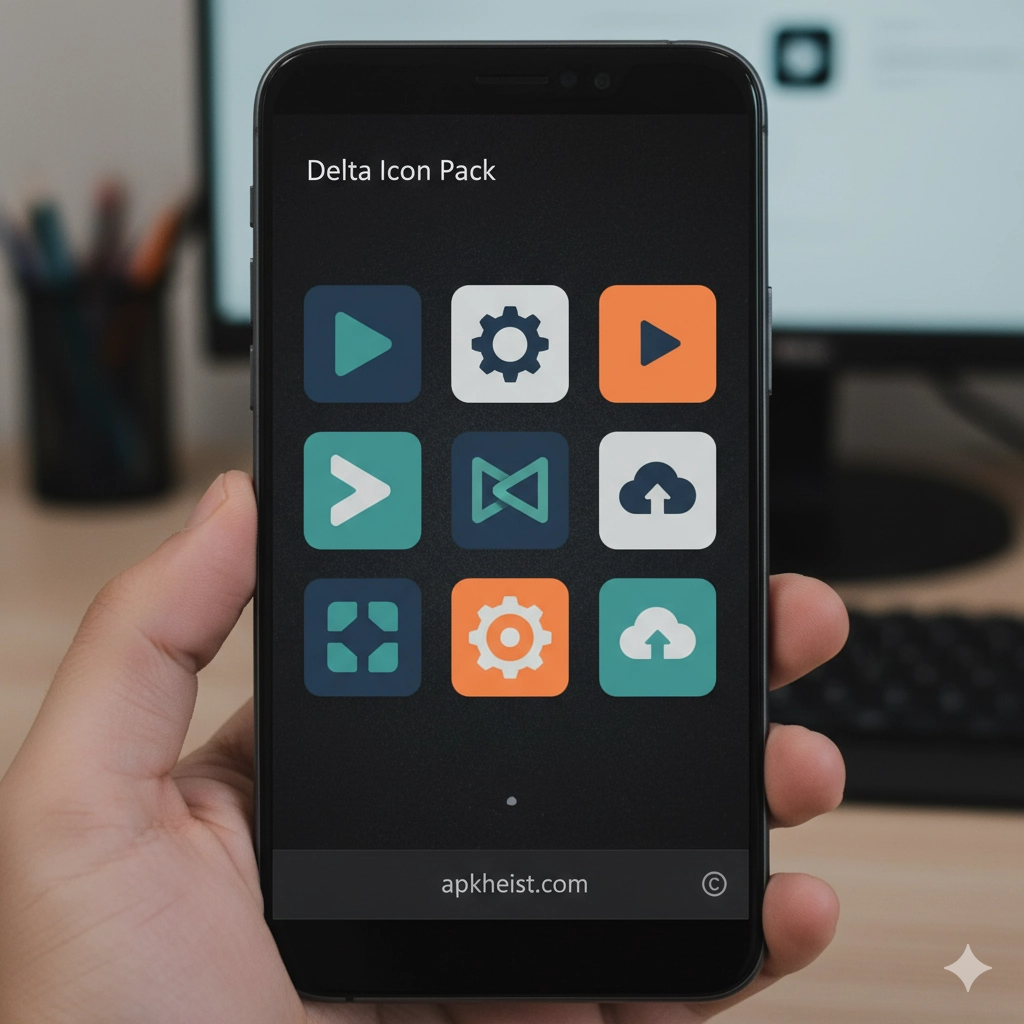
In an Android ecosystem where customization is a major differentiator, Delta Icon Pack App stands out by offering a carefully curated icon set that blends minimalism, color harmony, and broad app compatibility. Rather than overwhelming users with flashy designs, it focuses on visual balance, usability, and long-term aesthetic appeal. This makes it especially attractive to users who care about both form and function.
Table of Contents
1. What Makes Delta Icon Pack App Unique – A quick look at its design philosophy and visual identity.
2. Icon Design Quality and Consistency – How consistency improves daily usability.
3. Launcher Compatibility Explained – Why launchers matter for icon packs.
4. Customization Without Complexity – Personalization made simple.
5. Performance and Battery Impact – Visual upgrades without performance loss.
6. Who Should Use Delta Icon Pack App – Identifying the ideal user profile.
1. What Makes Delta Icon Pack App Unique
The core strength of Delta Icon Pack App lies in its restrained design language. Instead of relying on aggressive gradients or exaggerated shadows, the icons follow a flat-yet-refined aesthetic that integrates naturally with modern Android UI standards. This approach creates a professional and calming interface that does not distract from productivity-focused workflows.
2. Icon Design Quality and Consistency
Consistency is critical in icon packs, and Delta Icon Pack App excels in this area. Each icon is designed to align in size, shape, and color tone, ensuring that your home screen looks intentional rather than fragmented. This consistency becomes especially noticeable when paired with minimal launchers or neutral wallpapers.
3. Launcher Compatibility Explained
Delta Icon Pack App supports most major Android launchers, including those favored by customization enthusiasts. When combined with advanced launchers, users gain granular control over grid size, icon scaling, and spacing. Articles like Computer Launcher Pro App highlight how icon packs and launchers work together to create desktop-like experiences.

4. Customization Without Complexity
One of the biggest advantages of Delta Icon Pack App is its simplicity. Users can apply the entire pack in just a few taps, without manual icon mapping. This makes it ideal for users who want visual refinement without investing excessive time. Similar simplicity-driven personalization can also be seen in tools discussed in Widgets Art - Wallpaper, Theme App.
5. Performance and Battery Impact
Unlike live wallpapers or heavy widget systems, Delta Icon Pack App has virtually no impact on system performance or battery life. Icons are static assets, meaning they load quickly and remain lightweight. This makes the app suitable even for older or mid-range Android devices.
6. Who Should Use Delta Icon Pack App
Delta Icon Pack App is best suited for users who value clean UI design, professionals who prefer distraction-free interfaces, and enthusiasts who regularly experiment with launchers and layouts. It pairs well with wallpaper-focused personalization approaches such as those found in Wallpaper 3D Live App, balancing motion-heavy visuals with stable iconography.
Frequently Asked Questions About Delta Icon Pack App
FAQ 1: Is Delta Icon Pack App free to use?
Delta Icon Pack App typically offers free access with optional premium features or donations, depending on the distribution platform and developer updates.
FAQ 2: Does Delta Icon Pack App support automatic icon updates?
Yes, most supported launchers allow the app to update icons automatically when new versions are released.
FAQ 3: Can I request missing icons in Delta Icon Pack App?
Many versions include an icon request feature, allowing users to submit apps that are not yet themed.
FAQ 4: Will Delta Icon Pack App work on all Android devices?
The app works on most Android devices, provided a compatible launcher is installed.
FAQ 5: Is Delta Icon Pack App suitable for minimal home screen setups?
Absolutely. Its balanced color palette and flat design make it ideal for minimalist and productivity-focused layouts.
Final Thoughts
By focusing on clarity, consistency, and ease of use, Delta Icon Pack App proves that effective personalization does not need to be complex. When combined with the right launcher and wallpaper strategy, it can significantly elevate the overall Android user experience.





