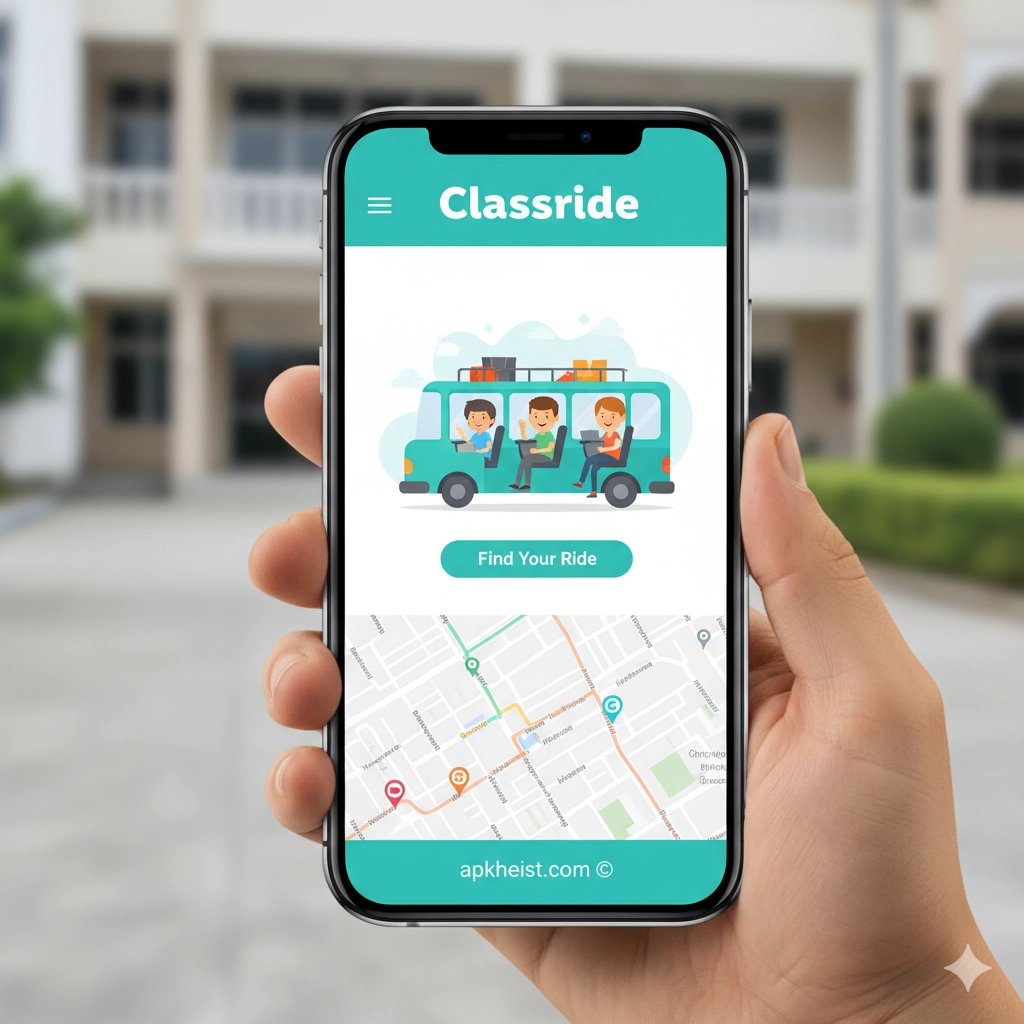
Designed with modern students in mind, Classride App brings a comprehensive set of tools for managing academic life efficiently. From creating collaborative study sessions to tracking assignment deadlines, this platform streamlines education into a user-friendly mobile experience. Integrating social features, academic tracking, and personalized learning suggestions, Classride App ensures that students never miss a beat in their academic journey. With seamless notifications and interactive content, learning has never been more engaging and organized.
1. Smart Study Group Creation – Easily form and manage study groups with classmates or peers with similar learning goals.
2. Assignment and Exam Tracker – Keep all your deadlines in check with timely reminders and visual progress charts.
3. Real-Time Collaboration – Share notes, discuss topics, and brainstorm ideas instantly with your study group.
4. Personalized Learning Recommendations – Receive tailored suggestions based on your study habits and performance.
5. Academic Resources Library – Access curated educational materials and interactive tools for enhanced learning.
1. Smart Study Group Creation
Classride App allows students to effortlessly create study groups tailored to specific subjects or projects. You can invite classmates via email, QR codes, or shareable links, ensuring that everyone interested in the topic can join. The app provides a scheduling assistant that automatically finds suitable meeting times for all members. Additionally, group leaders can assign roles, track contributions, and integrate shared resources for maximum productivity.
2. Assignment and Exam Tracker
The Assignment and Exam Tracker in Classride App helps students organize their academic calendar efficiently. With intuitive dashboards, you can view upcoming deadlines, set reminders, and monitor your progress. Color-coded priority levels and recurring notifications ensure nothing is overlooked. This feature also allows integration with popular calendar apps, keeping your academic and personal schedules in perfect sync.
3. Real-Time Collaboration
Collaboration is at the heart of Classride App. Whether it’s sharing lecture notes, co-editing documents, or live messaging during study sessions, students can work together seamlessly. The app supports multimedia uploads including images, videos, and PDFs, making collaborative learning more interactive. With built-in chat channels, voice notes, and discussion threads, every group activity is recorded and easily retrievable.

4. Personalized Learning Recommendations
Classride App leverages smart algorithms to analyze your learning patterns and suggest targeted resources. This includes practice exercises, video tutorials, and summaries that complement your study schedule. Over time, the app adapts to your strengths and weaknesses, providing a more efficient and tailored learning experience. Integrations with platforms like MindDoc: Mental Health Support App also promote academic wellness alongside productivity.
5. Academic Resources Library
The built-in resources library offers curated content across multiple subjects. From interactive textbooks to flashcards and quizzes, students can enhance their learning anytime, anywhere. Resources are categorized and searchable, allowing quick access to relevant materials. Additional features include bookmarking, annotation, and note-sharing to facilitate deeper engagement with academic content. You can even explore Avena Health App: The Intelligent Digital for wellness tools that complement effective study habits.
Frequently Asked Questions (FAQ)
Q1: Is Classride App free to use?
A1: Yes, Classride App offers a free version with essential features, while premium subscriptions unlock advanced functionalities such as expanded storage, enhanced collaboration tools, and personalized analytics.
Q2: Can Classride App integrate with other learning platforms?
A2: Absolutely. Classride supports integrations with Google Drive, Microsoft OneDrive, and popular LMS platforms to streamline access to course materials.
Q3: Does Classride App have mobile and desktop versions?
A3: Yes, Classride App is available on iOS, Android, and through a web platform, ensuring that you can study and collaborate across multiple devices.
Q4: How secure is the Classride App?
A4: The app uses end-to-end encryption for messages and secure cloud storage for files. Student data is protected under strict privacy policies.
Q5: Can I track my group's progress?
A5: Yes, Classride provides visual dashboards to track individual and group performance, upcoming deadlines, and contributions from each member.
Explore more apps like sheerME: Wellness & Beauty App – The and Me: Reflect for Self Awareness App for holistic digital learning and self-improvement experiences.





